NativePHP Air: Free, Modular, and Ready to Ship Native Apps with Laravel
NativePHP Air goes free and open source with a modular plugin system. Here's what changed, how plugins work, and why this matters for PHP developers.
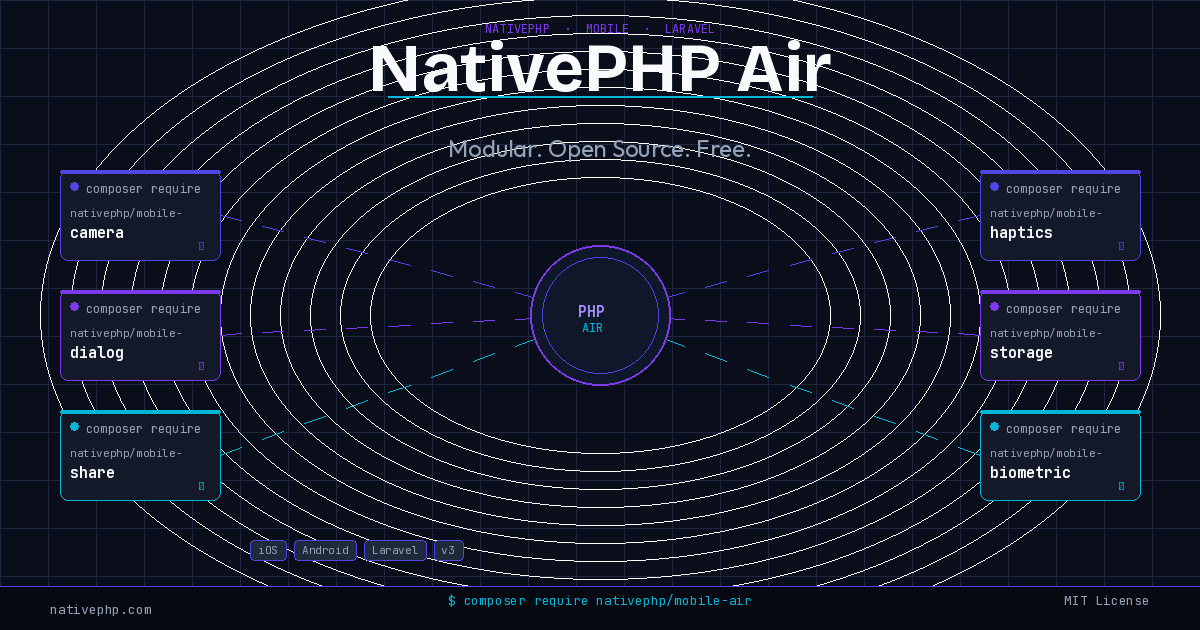
If you have been keeping an eye on NativePHP, 2026 has been a significant year. The team dropped a major announcement earlier this year: NativePHP for Mobile is now completely free, and the release that makes it possible is called NativePHP Air. This is not a trial tier or a limited free plan. The core framework and the essential plugins needed to build and ship real native iOS and Android apps with Laravel are available at zero cost, under the MIT license.
This is the kind of shift that changes how you plan projects. Let’s dig into what Air actually is, what changed architecturally, and how you start using it today.
What Is NativePHP Air?
Air is the third major version of NativePHP Mobile, and it represents a fundamental rethinking of how the framework is structured. The biggest change is the move away from a monolithic core toward a modular plugin system. In previous versions, native device capabilities (camera access, dialogs, sharing, haptics, biometrics) were bundled into a single large package. You took everything whether you needed it or not.
Air strips that down to a lean, open-source core and moves every piece of native functionality into standalone Composer packages. Each plugin is self-contained: it carries its own Swift and Kotlin code, its own permission manifests, and its own native dependencies (CocoaPods, Swift Packages, or Gradle entries). Your app only includes what it actually uses.
The practical result is smaller app binaries, faster build times, and a dramatically lower barrier to entry. The monolithic approach made every app heavier by default. Air makes minimalism the default.
Installing and Registering a Plugin
The workflow is intentionally familiar to any PHP developer. You pull a plugin in with Composer, then register it with an Artisan command.
composer require nativephp/mobile-camera
php artisan native:plugin:register
That second command handles the native-side wiring: it reads the plugin’s nativephp.json manifest, registers the necessary permissions, and adds any CocoaPods or Gradle dependencies to your project. You do not touch Xcode project files or Android build scripts manually.
A few of the plugins available in the marketplace right now:
composer require nativephp/mobile-camera
composer require nativephp/mobile-dialog
composer require nativephp/mobile-share
composer require nativephp/mobile-haptics
composer require nativephp/mobile-biometric
composer require nativephp/mobile-storage
Each one follows the same pattern: install via Composer, register via Artisan, use the PHP API from your Laravel application code. The native bridge code in Swift and Kotlin is part of the plugin package itself. You never write Swift or Kotlin to consume a first-party plugin.
The Plugin Manifest
Every NativePHP Air plugin includes a nativephp.json file that declares everything the native build system needs to know:
{
  "name": "nativephp/mobile-camera",
  "php_class": "NativePHP\\Camera\\Camera",
  "bridge_functions": ["capturePhoto", "captureVideo", "checkPermissions"],
  "permissions": {
    "ios": ["NSCameraUsageDescription"],
    "android": ["android.permission.CAMERA"]
  },
  "dependencies": {
    "cocoapods": [],
    "swift_packages": [],
    "gradle": []
  }
}
This manifest is what lets native:plugin:register do its job automatically. The permissions array feeds directly into your Info.plist and AndroidManifest.xml. There is no manual configuration step that silently causes a rejection when you submit to the App Store or Play Store.
Building Your Own Plugins
The plugin API is designed to be used by third-party developers, not just the NativePHP team. The Plugin Marketplace already includes both first-party and community-contributed plugins, and the economics are straightforward: you can build a plugin, distribute it through the marketplace, and sell it.
The NativePHP team published a walkthrough for building a haptics plugin from scratch that illustrates the full structure: PHP class, bridge functions on the native side, event dispatching back to Laravel, and the manifest tying it together. If you have any experience with mobile development and want to sell access to native functionality to the PHP community, the tooling now makes that viable.
For developers who want to generate plugin scaffolding automatically, NativePHP also released a Claude Code plugin specifically for plugin development. It can generate production-ready plugin skeletons complete with bridge functions, events, and platform-specific implementations from a prompt. That is a workflow worth looking at if you are planning to build anything non-trivial.
The Jump Companion App
Testing on real devices used to require building and deploying a full binary, which adds significant friction to the development loop. Air ships with a companion app called Jump (free for iOS and Android) that solves this.
Once Jump is installed on your device:
php artisan native:jumpThis command generates a QR code. Scan it with the Jump app and your NativePHP application runs directly on the device without compiling or enabling developer mode. Hot reload works. You can iterate on your PHP/Laravel code and see the results on a real phone in seconds. For prototyping and feature validation, this is a significant quality-of-life improvement.
What the MIT License Actually Means
The core being MIT-licensed is not just a pricing change. It opens NativePHP Air to community contributions in a way the previous commercial model did not. Bug fixes, platform compatibility improvements, and new bridge APIs can come from outside the core team.
It also means you can fork it. If your project has a niche native requirement that the plugin marketplace does not cover and building a distributable plugin is not the right fit, you have full access to the source and can patch things locally. That is the kind of flexibility that enterprise projects sometimes need and rarely get with commercial mobile frameworks.
Getting Started
If you have not built with NativePHP before, the getting started flow with Air is:
composer create-project laravel/laravel my-mobile-app
cd my-mobile-app
composer require nativephp/mobile-air
php artisan native:install
From there you install whichever plugins your app needs, register them, and start building your UI in Blade or Livewire. The framework handles the native shell, navigation chrome, and the bridge between your PHP application and the device’s native APIs.
The full documentation is at nativephp.com/docs and covers everything from initial setup through building and distributing to the App Store and Google Play.
Why This Matters
NativePHP Air matters because it removes the two biggest friction points that kept PHP developers from shipping mobile apps: cost and complexity. The previous licensing model was a real barrier for side projects and small teams. The monolithic architecture made it harder to reason about what your app actually needed.
Air addresses both. The free MIT core lowers the barrier enough that trying it on a real project is a reasonable decision, not a budget conversation. The modular plugins make the dependency graph explicit and keep builds lean.
PHP developers have strong skills in building complex backend logic, APIs, and data-driven interfaces. What has historically been missing is a credible path from those skills to native mobile. NativePHP Air is the most complete version of that path the ecosystem has had so far.
Sources
- NativePHP for Mobile Is Now Free - NativePHP Blog
- NativePHP for Mobile Is Now Free - Laravel News
- Using Plugins - NativePHP Mobile v3 Docs
- Creating Plugins - NativePHP Mobile v3 Docs
- NativePHP Plugin Marketplace
- Building Your First NativePHP Plugin: A Haptics Example
- Build Your First Mobile App with Laravel and NativePHP v3