Composer 2.11 Cooldown Policy: Delay New Package Versions Safely
Composer 2.11 adds a cooldown policy that holds back freshly published package versions. Learn the config, the CI override, and the gotchas.
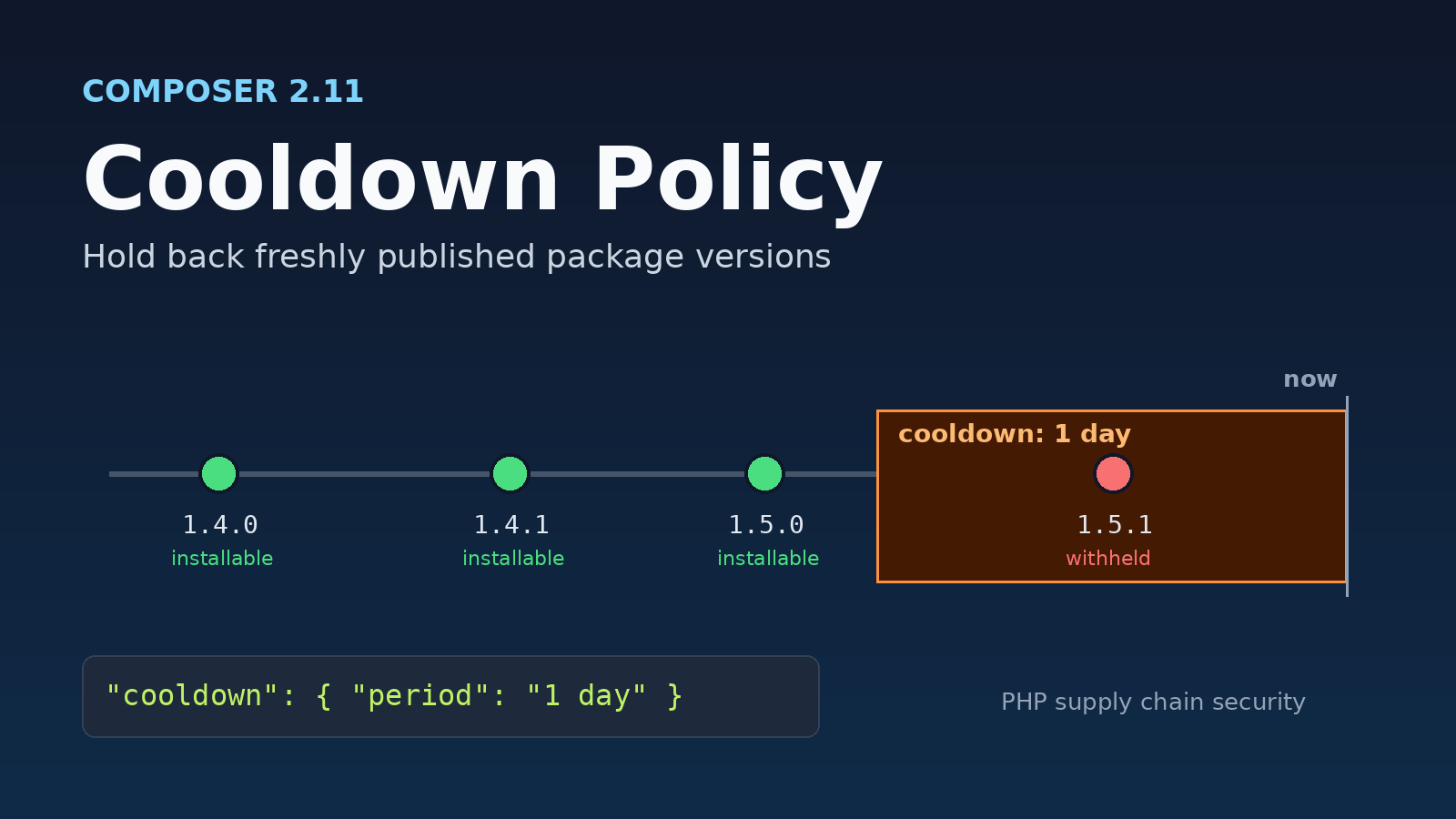
Most supply chain attacks on package registries share one trait: the malicious version gets caught fast. Somebody notices, the release is pulled, and the window closes. The projects that get hurt are the ones that ran composer update inside that window.
Composer 2.11.0, released on October 29, 2026, gives you a native way to stay out of it. The new cooldown dependency policy tells Composer to skip any package version that was published more recently than a waiting period you choose. This post covers how to turn it on, what it does and does not touch, and the spots where it can surprise you.
Why Composer got a cooldown now
Composer 2.10 introduced dependency policies that block versions with security advisories or known malware. A cooldown was the obvious next policy, and according to Socket’s coverage, developers first requested it in November 2025. Socket also notes that the Composer and Packagist maintainers cited the April compromise of intercom/intercom-php and the May attack on Laravel Lang among the recent incidents behind their security work.
So why did it miss 2.10? The timestamp was not trustworthy. The existing time field in package metadata can come from a Git commit date or from composer.json, and the publisher controls both. An attacker could backdate a malicious release and walk straight past a cooldown.
Packagist.org now reports a published-time for each version, based on when Packagist first made that version available. Composer 2.11 uses that value instead of the author-supplied one.
Turning it on
The policy is off until you set a period under config.policy in composer.json:
{
    "config": {
        "policy": {
            "cooldown": {
                "period": "1 day"
            }
        }
    }
}
Per the Laravel News write-up, period accepts a string such as "6 hours" or "7 days" using the units second, minute, hour, day, or week. It also accepts an integer number of seconds.
What it affects and what it leaves alone
The cooldown applies when Composer resolves dependencies, which means composer update and composer require. The require, init, and create-project commands also skip withheld versions when they pick a version constraint for you.
It does not affect composer install. That command installs exactly what is in composer.lock, so your deploys keep working the same way. Two other things are never withheld: dev versions such as dev-main, and platform packages (PHP itself and extensions).
composer outdated and composer show --latest are cooldown-aware too. They report the newest version you are allowed to install and mark newer releases that are still inside the waiting period.
The gotcha: a full update can go backwards
This is the behavior worth reading twice. A targeted update leaves every other locked package alone:
composer update phparch/tek-scheduleA full composer update re-evaluates everything. If your lock file already contains a version that is still inside the cooldown period, Composer replaces it with an older release. If no older version satisfies your constraints, the update fails.
That can happen right after you enable the policy, or right after you used the bypass flag described below. If you see an unexpected downgrade in a diff, check the publish date of the version you had before assuming something is broken.
Exempting packages you trust
Your own packages probably do not need a waiting period. The ignore list handles that, and entries support reasons, version constraints, and wildcards:
{
    "config": {
        "policy": {
            "cooldown": {
                "period": "1 day",
                "ignore": {
                    "phparch/*": "First-party packages we publish ourselves"
                }
            }
        }
    }
}
The reason string is a nice touch. Six months from now, somebody will ask why a vendor is exempt, and the answer is sitting next to the rule.
Security fixes are not exempt
You might expect a release tied to a security advisory to skip the line. It does not, and that is on purpose. As Socket reports, the maintainers rejected automatic exemptions because an attacker with publishing access could create an advisory, or exploit an existing one, to push a malicious release through.
When you need a fix right away, you make that call yourself with --no-cooldown. It works on update, require, remove, and create-project:
composer update --no-cooldown phparch/tek-scheduleThe flag skips only the cooldown. The advisory, malware, and custom policies still apply.
Setting it in CI
You can set or override the period with the COMPOSER_POLICY_COOLDOWN_PERIOD environment variable. Setting it to 0 turns the cooldown off for that run. Here is how that might look in a scheduled dependency update job, as an illustration:
jobs:
  dependency-update:
    runs-on: ubuntu-latest
    env:
      COMPOSER_POLICY_COOLDOWN_PERIOD: "3 days"
    steps:
      - uses: actions/checkout@v4
      - run: composer update --no-interaction
This is handy when you want a stricter window for automated updates than the one developers get locally, without maintaining two composer.json files.
Private and third-party repositories
This is where teams with a private repository need to pay attention. If a Composer repository does not report published-time for a version Composer needs, the command fails and names the package. For repositories you trust, you can set require-published-time to false to fall back to the time field in each package’s composer.json. VCS, path, and artifact repositories always use time.
Check the Composer config documentation for the exact placement of that option before you roll it out. I am describing its behavior here from the release coverage and have not shown a snippet on purpose.
Two ecosystem notes:
- Private Packagist already supports the policy, and organization admins can set one cooldown period for every project regardless of which Composer version each project runs.
- The Drupal Association confirmed that
packages.drupal.orgnow provides release timestamps for more than 16,600 projects, according to The Drop Times.
If you were using the community Heimdall plugin for a minimum package age, Composer now does this without a plugin.
Upgrade notes for 2.11
Upgrade with:
composer self-updateTwo changes in this release can bite you even if you never enable a cooldown:
- Source fallback is gone. If a dist download fails, Composer no longer falls back to cloning the source repository, and the temporary
source-fallbackoption from 2.10 was removed. If a package only installs correctly from source, setpreferred-installtosourcefor it or pass--prefer-source. - Policy changes mark the lock file as outdated. Projects that already have a
policyconfig will see a warning after upgrading until the lock file is updated.
The release also ships six security fixes and faster dependency resolution, so the upgrade is worth doing on its own.
How I would roll it out
This part is opinion, not documentation. Start with "1 day" on one project and run a full composer update on a branch so you can see whether anything gets pulled backwards. Add your first-party vendor to ignore with a reason. Write --no-cooldown into your security patch runbook so nobody has to hunt for it during an incident. Then decide whether CI should use a longer window than local development.
A cooldown does not detect malware. It buys time for the people and scanners who do. Composer leaves it off by default, so the protection only exists once you add those few lines.
Sources
- Cooldown Dependency Policy now in Composer 2.11, Yannick Lyn Fatt, Laravel News
- Composer 2.11 Adds Dependency Cooldowns, Sarah Gooding, Socket
- Drupal.org Enables Composer Cooldowns for Over 16,600 Projects, The Drop Times
- Composer 2.11 release announcement, Packagist blog (the original announcement referenced by the articles above)