Ship Code Safely with Laravel Pennant Feature Flags
Laravel Pennant makes feature flags a first-class citizen in your app. Learn how to use it for gradual rollouts, A/B tests, and premium tiers.
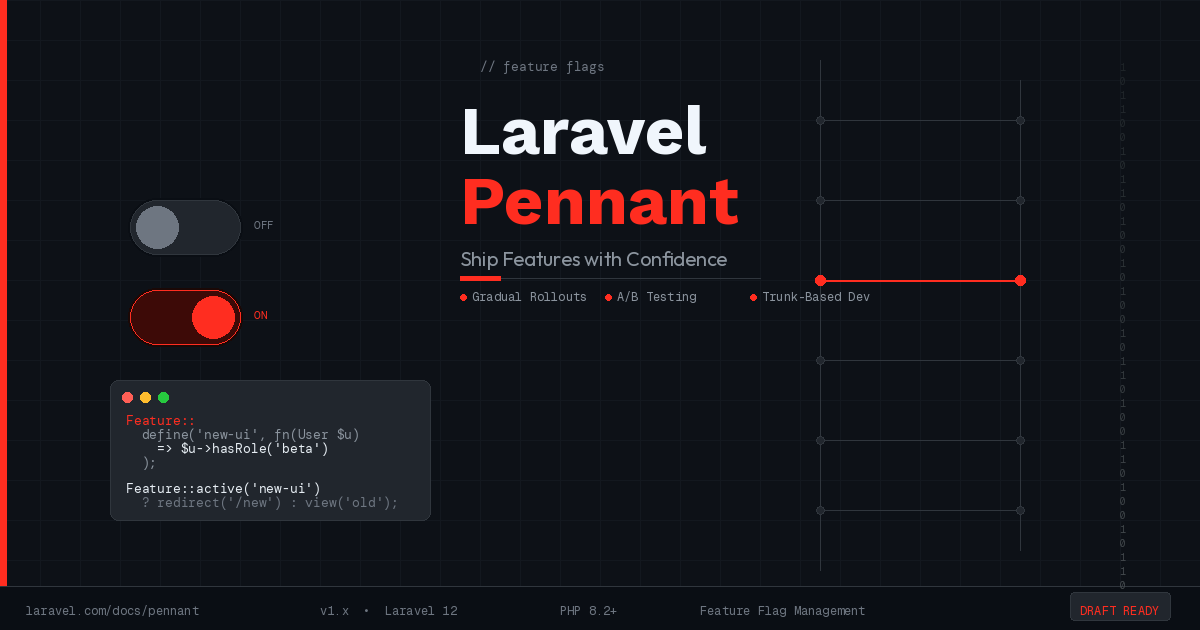
Deploying new features used to mean holding your breath. You merged the branch, pushed to production, and hoped the QA process caught everything. If it didn’t, rollback meant either reverting a deployment or shipping a hotfix under pressure. Feature flags change that story entirely, and Laravel Pennant gives you a first-party, well-designed way to build them directly into your application.
Pennant has been part of the Laravel ecosystem since Laravel 10, and with Laravel 12 it has matured into something you should be reaching for as a default pattern rather than a special-case tool. If you have not made it part of your workflow yet, this is a good time to start.
What Pennant Actually Does
At its simplest, a feature flag is a conditional check that lets you turn a block of functionality on or off without deploying new code. Pennant takes that concept and gives it a clean API, persistent storage, per-user scoping, and enough flexibility to cover the patterns you will actually need in production: gradual rollouts, A/B tests, beta access, and premium feature gating.
Install it with Composer and run the migration:
composer require laravel/pennant
php artisan migrate
Pennant creates a single features table. Every resolved flag for every user (or other model) is stored as a row, which means the system is stateful: once a user is assigned to the “on” side of a flag, they stay there across requests.
Defining Features
Feature definitions live in your AppServiceProvider, or in a dedicated FeaturesServiceProvider if your flag count grows. The Feature::define() call accepts a closure that returns a boolean deciding whether the feature is active for the current scope.
use Laravel\Pennant\Feature;

Feature::define('new-checkout', fn (User $user): bool =>
    $user->created_at->isAfter(now()->subDays(30))
);
This definition activates the new checkout flow only for users who registered in the last 30 days. Every other user continues to see the old flow. The closure receives the scope (usually a User model, but any model works) and returns a bool.
For a simpler flag with no user-based logic, return a static value or pull from an environment variable:
Feature::define('maintenance-banner', fn (): bool =>
    (bool) config('features.maintenance_banner', false)
);
Checking Flags in Your Application
Checking whether a feature is active is one method call:
if (Feature::active('new-checkout')) {
    return redirect()->route('checkout.v2');
}
When you call this without specifying a scope, Pennant uses the currently authenticated user as the scope automatically. You can be explicit about the scope when needed:
Feature::for($user)->active('new-checkout')In Blade templates, the @feature directive keeps your views readable:
@feature('new-checkout')
    <x-checkout-v2 />
@else
    <x-checkout-legacy />
@endfeature
For route-level protection, Pennant ships with a EnsureFeaturesAreActive middleware you can apply directly:
Route::middleware(['auth', EnsureFeaturesAreActive::using('new-checkout')])
    ->group(function () {
        Route::get('/checkout', CheckoutV2Controller::class);
    });
Gradual Rollouts
One of the most practical patterns Pennant supports is percentage-based rollouts. Rather than flipping a feature on for everyone at once, you activate it for a growing slice of your user base.
use Laravel\Pennant\Feature;
use Illuminate\Support\Lottery;

Feature::define('new-search', function (User $user): bool {
    return Lottery::odds(1, 10)->winner(
        fn () => true,
        fn () => false,
    )->choose();
});
The Lottery class ships with Laravel. The odds above activate the feature for roughly 10% of users. Because Pennant stores the resolved value in the database after the first check, a user who lands in the 10% stays there for all subsequent requests. This is what you want: consistent experience within a session and across sessions, not a re-roll on every page load.
To move from 10% to 50% to 100%, you update the odds and call Feature::forget('new-search') to reset stored values, or use Feature::activate('new-search') to mass-activate for all users when you are ready to ship to everyone.
A/B Testing with Pennant
A/B testing is a natural extension of the gradual rollout pattern. Instead of returning a bool, return a string variant:
Feature::define('pricing-page', function (User $user): string {
    return Lottery::odds(1, 2)->winner(
        fn () => 'pricing-v2',
        fn () => 'pricing-v1',
    )->choose();
});
Check the variant in your controller:
$variant = Feature::value('pricing-page');

return view("pricing.{$variant}");
Pennant fires a Laravel\Pennant\Events\FeatureChecked event every time a flag is resolved. Hook into that event to send the variant assignment to your analytics pipeline without cluttering your application code with tracking calls.
Gating Premium Features
SaaS applications often need to restrict features to paying users or specific plan tiers. Pennant handles this cleanly without scattering subscription checks throughout your codebase:
Feature::define('advanced-reporting', fn (User $user): bool =>
    $user->subscription('default')?->onPlan('pro') ?? false
);

Feature::define('api-access', fn (User $user): bool =>
    $user->subscription('default')?->onPlan(['pro', 'enterprise']) ?? false
);
With these definitions in place, every controller, view, or middleware that needs to gate access uses the same Feature::active() check. When your plan structure changes, you update the definition in one place.
In-Memory Cache and Testing
Within a single request, Pennant caches resolved values in memory. That means calling Feature::active('new-checkout') ten times in one request only hits the database once. This is worth knowing because it means the resolved value is consistent across your entire request lifecycle.
In tests, you want deterministic behavior regardless of the database or the authenticated user. Pennant provides two helpers:
// Activate a feature for all checks in this test
Feature::activate('new-checkout');

// Deactivate
Feature::deactivate('new-checkout');

// Or scope it to a specific user
Feature::for($user)->activate('new-checkout');
These calls bypass the definition closure entirely and return the value you set, which makes testing feature-flagged code straightforward:
public function test_new_checkout_route_is_accessible(): void
{
    Feature::activate('new-checkout');

    $this->actingAs($this->user)
        ->get(route('checkout'))
        ->assertOk();
}

public function test_legacy_checkout_shown_without_flag(): void
{
    Feature::deactivate('new-checkout');

    $this->actingAs($this->user)
        ->get(route('checkout'))
        ->assertRedirect(route('checkout.legacy'));
}
Cleaning Up Old Flags
The part of feature flag management that most teams skip is cleanup. A flag that shipped to 100% six months ago is dead code wrapped in a conditional. Over time, these accumulate into a codebase full of branches that never get exercised and database rows that never get used.
Pennant provides Feature::purge() to remove stored values for a flag from the database:
php artisan pennant:purge new-checkoutAfter purging, remove the Feature::define() call and delete the conditional code. The discipline of treating feature flags as temporary is what makes the pattern sustainable. A flag with no removal plan is a feature flag that becomes permanent tech debt.
When to Reach for Pennant
Feature flags are not a replacement for good testing or careful deployment practices. They work best when you have a change that is too large to deploy all at once, when you want to test a new UI with real users before committing, when you need to give specific users or plan tiers access to functionality before general release, or when you are practicing trunk-based development and need to merge incomplete work safely.
The cost of adding a Pennant flag is low, a single Feature::define() call and a conditional in your code. The benefit is the ability to decouple deployment from release, which is one of the highest-leverage practices in modern application development.