Stop Writing PHP Loops for This: MySQL Window Functions Every Developer Should Know
MySQL window functions let the database do ranking, running totals, and row comparisons that most PHP devs still handle in application code.
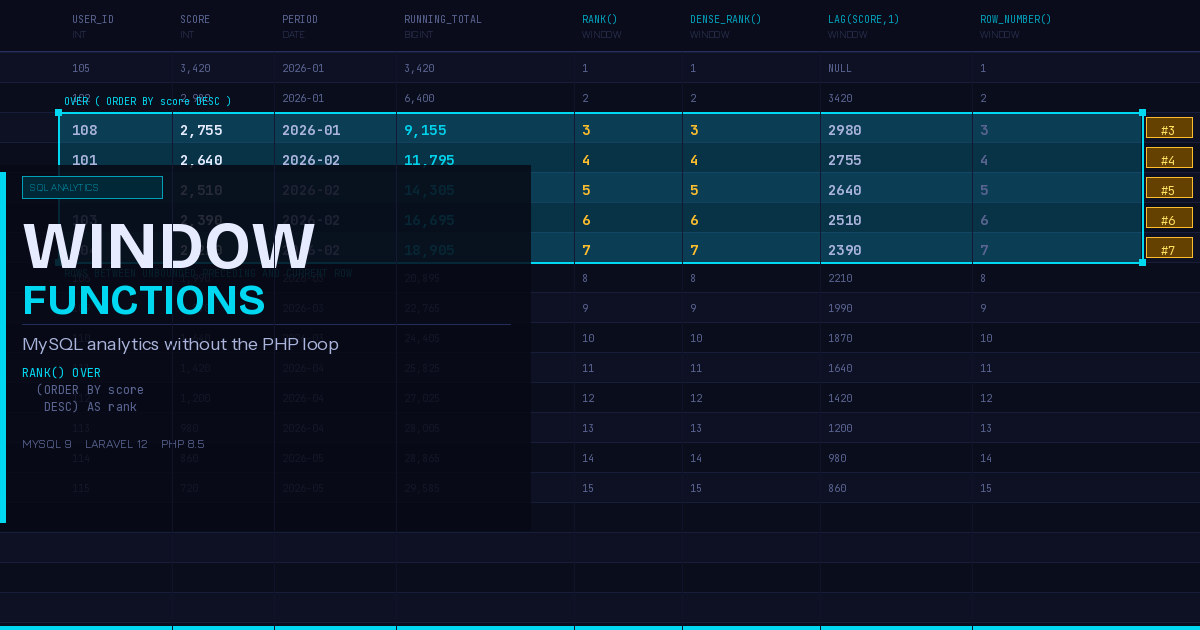
There is a pattern that shows up in PHP codebases constantly: the database returns a flat list of rows, and then PHP loops over them to compute rankings, running totals, or comparisons between adjacent rows. It works, it ships, and it silently degrades as your tables grow. The fix has been available in MySQL since version 8.0, and in MySQL 9 it is faster and better documented than ever. Window functions hand that computation back to the database where it belongs.
If you have been working in PHP for a while and you find yourself writing loops to figure out “the top result per group” or “how much did this metric change since last week,” this post is for you.
What a Window Function Actually Does
A regular aggregate function like SUM() or COUNT() collapses multiple rows into one result. A window function performs a similar calculation but keeps all the original rows intact in the result set, adding a computed column alongside them. The “window” is the set of rows the function is allowed to look at when computing each row’s value.
The syntax always includes an OVER() clause, which is how MySQL knows you want a window function rather than an aggregate:
SELECT
    user_id,
    order_total,
    SUM(order_total) OVER (PARTITION BY user_id ORDER BY created_at) AS running_total
FROM orders;
This query returns every row in the orders table, but adds a running_total column showing each order’s cumulative spend for that user up to that point. No PHP loop, no second query, no temporary table.
ROW_NUMBER: Get the Nth Row Per Group
One of the most common reasons PHP developers write application-side loops is to get “the latest order per customer” or “the first login from each device.” Both of those are a ROW_NUMBER() problem.
SELECT *
FROM (
    SELECT
        *,
        ROW_NUMBER() OVER (PARTITION BY user_id ORDER BY created_at DESC) AS rn
    FROM orders
) ranked
WHERE rn = 1;
This returns exactly one row per user_id: the most recent order. Before window functions, the standard MySQL approach was a correlated subquery or a GROUP BY with a MAX() join. Both are harder to read and slower at scale.
In Laravel, you can use a raw expression inside a subquery:
use Illuminate\Support\Facades\DB;

$latestOrders = DB::table(
    DB::raw('(
        SELECT *,
               ROW_NUMBER() OVER (PARTITION BY user_id ORDER BY created_at DESC) AS rn
        FROM orders
    ) AS ranked')
)->where('rn', 1)->get();
RANK and DENSE_RANK: Building Leaderboards
ROW_NUMBER() always gives unique sequential numbers. RANK() gives tied rows the same rank but skips the next rank (1, 2, 2, 4). DENSE_RANK() gives tied rows the same rank without skipping (1, 2, 2, 3). Which one you want depends on the semantics of your feature.
For a sales leaderboard where ties should share a rank and the next distinct rank should reflect the actual gap:
SELECT
    user_id,
    name,
    total_sales,
    RANK() OVER (ORDER BY total_sales DESC) AS sales_rank
FROM (
    SELECT user_id, name, SUM(amount) AS total_sales
    FROM sales
    GROUP BY user_id, name
) totals;
For a customer loyalty tier where you do not want gaps between tier levels:
SELECT
    user_id,
    points,
    DENSE_RANK() OVER (ORDER BY points DESC) AS tier
FROM loyalty_scores;
LAG and LEAD: Comparing Adjacent Rows
Time-series data is where PHP developers most often write the most unnecessary loops. Given a table of monthly revenue, how much did revenue change from the previous month? In PHP, the typical approach is to fetch all the rows, sort them, and then iterate with an index to compare $rows[$i] against $rows[$i-1]. That gets messy fast when you have multiple series or gaps in the data.
LAG() accesses the value from a preceding row. LEAD() accesses the value from a following row.
SELECT
    report_month,
    revenue,
    LAG(revenue) OVER (ORDER BY report_month) AS prev_revenue,
    revenue - LAG(revenue) OVER (ORDER BY report_month) AS month_over_month_change,
    ROUND(
        (revenue - LAG(revenue) OVER (ORDER BY report_month))
        / LAG(revenue) OVER (ORDER BY report_month) * 100,
        2
    ) AS pct_change
FROM monthly_revenue
ORDER BY report_month;
Both functions accept optional offset and default arguments. LAG(revenue, 3, 0) would look back three rows and return 0 if no row exists (useful for year-over-year comparisons against monthly data).
In a Laravel application dealing with an analytics dashboard, this query can replace an entire chunk of PHP post-processing and dramatically reduce the payload you pass to the view layer.
Running Totals and Rolling Averages
Running totals are another classic “I’ll just loop over this in PHP” scenario. The SUM() OVER and AVG() OVER functions handle them cleanly at the query level.
SELECT
    order_date,
    daily_total,
    SUM(daily_total) OVER (ORDER BY order_date) AS running_total,
    AVG(daily_total) OVER (
        ORDER BY order_date
        ROWS BETWEEN 6 PRECEDING AND CURRENT ROW
    ) AS rolling_7day_avg
FROM daily_order_totals;
The ROWS BETWEEN 6 PRECEDING AND CURRENT ROW is the frame clause. It tells MySQL to limit the window to the current row and the six rows before it, giving you a 7-day rolling average. The default frame when you use ORDER BY in a window is RANGE BETWEEN UNBOUNDED PRECEDING AND CURRENT ROW, which is what you want for a proper running total.
Named Windows: Keeping Complex Queries Readable
If you are using the same window definition in multiple expressions in a single query, the WINDOW clause lets you name it and reuse it:
SELECT
    user_id,
    score,
    RANK()       OVER w AS rank_position,
    DENSE_RANK() OVER w AS dense_rank_position,
    PERCENT_RANK() OVER w AS percentile
FROM quiz_results
WINDOW w AS (ORDER BY score DESC);
Named windows keep the query from turning into a repetitive mess and make the intent of each column far easier to read in code review.
Performance Considerations
Window functions do not automatically make a query fast. A few things to keep in mind:
Indexes on PARTITION BY and ORDER BY columns matter significantly. If you are partitioning by user_id and ordering by created_at, a composite index on (user_id, created_at) will make a real difference on large tables.
MySQL materializes the window function result in a temporary table internally. For very large result sets, this is worth profiling. In practice, for typical analytics queries against tables with millions of rows, window functions are still faster than the equivalent PHP loop because they avoid the round-trip latency of fetching the full dataset.
MySQL 9’s optimizer includes improved cost estimates for window function execution, so if you have been on MySQL 8.0 and have been hesitant about window functions for performance reasons, the newer version is worth revisiting.
Using Window Functions with Eloquent
Eloquent does not have a dedicated window function builder, but selectRaw() and DB::raw() get you there cleanly:
$results = DB::table('orders')
    ->selectRaw('
        user_id,
        order_total,
        order_date,
        SUM(order_total) OVER (
            PARTITION BY user_id
            ORDER BY order_date
        ) AS running_total
    ')
    ->orderBy('user_id')
    ->orderBy('order_date')
    ->get();
If you are building a complex analytics feature that relies heavily on window functions, consider putting the query into a database view or a raw query method in a dedicated repository class rather than embedding it inline in a controller. That keeps it testable and makes it easier to swap out if you need to optimize the SQL later.
What to Replace First
If you are looking at an existing codebase for quick wins, look for these patterns: PHP code that fetches all rows from a table and then sorts or iterates to find a “top record per group,” code that loops a sorted array to compute a running total or carry a value forward, and any place where you are doing two queries to compare a metric against its own previous value.
All three of those are window function candidates. Moving the computation into MySQL is not just about performance. It simplifies the PHP, reduces the data transferred over the wire, and makes the query self-documenting about what it is actually computing.