Composer 2.10: Malware Filtering and Dependency Policies for PHP
Composer 2.10 adds native malware blocking and a unified config.policy framework for PHP supply chain security. Here is how it works and how to tune it.
If you run composer install on a machine, you are trusting a chain of maintainers you have never met. That trust has been tested hard this year. In May 2026 attackers gained access to a GitHub repository through a developer’s machine and published a credential stealer into the laravel-lang packages. Two weeks before that, the popular intercom/intercom-php package had malicious releases pushed to Packagist by someone who had compromised its underlying repository. In both cases, only fast manual intervention by the Packagist team kept the damage contained.
Composer 2.10, released on May 28, 2026, is the toolchain’s structural answer to that problem. It introduces native malware filtering and folds the handling of malware, security advisories, and abandoned packages into a single, configurable policy framework. Here is what changed and how to make it work for you.
Why Advisories Were Not Enough
Composer has filtered versions reported as vulnerable for a while now, drawing on public advisory databases. That mechanism is good at what it was built for: disclosed vulnerabilities in legitimate packages. The problem is timing. Advisory publication often takes several days, and the process assumes the package author is acting in good faith and simply shipped a bug. It was never designed for a release that is outright malware, slipped into a real package through a stolen credential and live for only a few hours.
That is exactly the window the recent attacks exploited. Protection has to happen earlier than a pre-deployment code review. It has to happen the moment a developer first pulls the dependency. Composer 2.10 closes that gap.
The Malware Policy
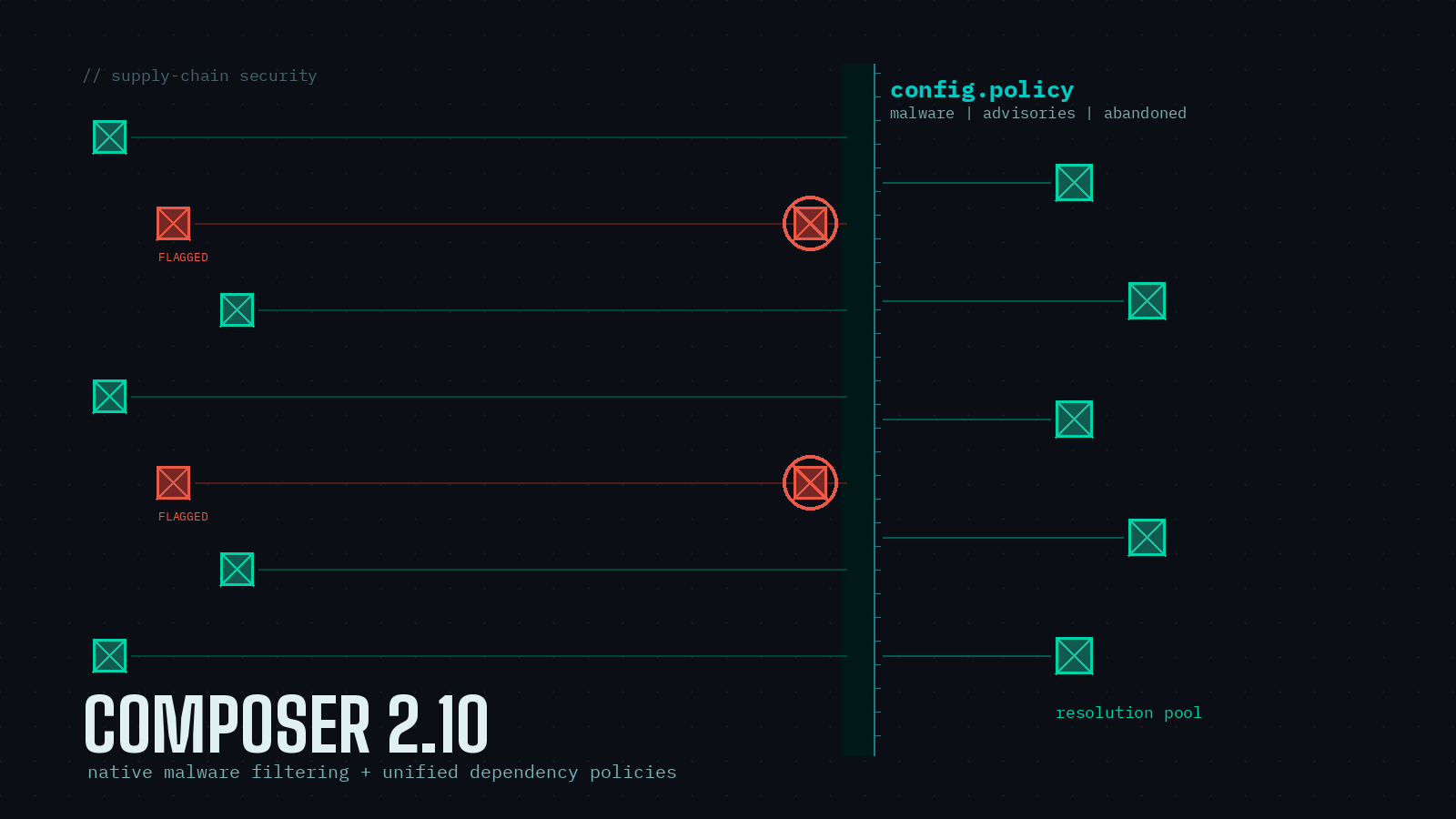
The headline feature is a malware policy that is on by default for every Composer user, with zero configuration needed if you install from Packagist.org. Flagged versions are removed from the dependency resolution pool, so they cannot be pulled in by composer update, composer require, or composer create-project.
The detail that matters most is that the check also runs during composer install. If a malicious release was flagged after your composer.lock was generated, the next install fails rather than silently pulling the bad version into a CI run or a production deploy. A poisoned lockfile entry no longer gets a free pass. The same versions surface through composer audit, which now fails by default when it finds malware.
The data behind this comes from Aikido, which provides Packagist.org with a CC-BY 4.0 licensed feed of package versions flagged as malware. Packages with flagged versions are also marked prominently on their Packagist.org pages, so they are easy to spot when you are browsing.
One Framework for Three Concerns
Rather than bolt malware on as a separate switch, Composer 2.10 unifies malware, advisories, and abandoned-package handling under a single config.policy object. This supersedes the old config.audit settings. Every policy shares the same three-part shape:
blockcontrols whether matching versions are removed from resolution beforeupdate,require, and friends run. For malware it also governs whether flagged versions can be installed from an existing lockfile.auditcontrols howcomposer audittreats matches, with values ofignore,report, orfail.ignoreprovides per-package exemptions.
The defaults are tuned to match what most projects actually want:
- Malware is blocked during updates, fails audits, and is blocked during installs.
- Security advisories are blocked during updates and fail audits, but can still be installed. You get the chance to evaluate whether a disclosed vulnerability actually affects you before patching.
- Abandoned packages are only reported by audit, never blocked.
Turning a single policy off is a one-liner in composer.json:
{
    "config": {
        "policy": {
            "abandoned": false
        }
    }
}
Setting "policy": false is the kill switch that disables everything at once, though I would think hard before reaching for that. For temporary relief, the new --no-blocking flag (or the COMPOSER_NO_BLOCKING environment variable, handy in CI) stops versions from being excluded during resolution and stops malware blocking during install, without permanently editing your config. It is available on update, require, remove, create-project, and install (where it applies to malware only).
The malware policy also has a block-scope option, defaulting to all, that lets you decide whether blocking happens only during update-type commands, like advisories do, or during installs as well.
Company Policies and Custom Sources
Beyond the three built-ins, you can plug in your own policy backed by an external list. A common case is an internally maintained list of package versions your organization has banned, served from an HTTPS endpoint:
{
    "config": {
        "policy": {
            "company-policy": {
                "sources": [
                    {"type": "url", "url": "https://acme.example.com/bad-pkgs.json"}
                ],
                "audit": "fail"
            }
        }
    }
}
Sources can come from a Composer repository that advertises such lists or from one or more explicit HTTPS endpoints. For a shop like PHP Architect running several internal apps, this is a clean way to enforce a shared block list without patching every project by hand.
Migrating From config.audit
If you already configure config.audit.*, those keys keep working in 2.10 as a fallback, so nothing breaks on upgrade. An explicit deprecation warning arrives in Composer 2.11. The migration is one-to-one: audit.block-insecure becomes policy.advisories.block, audit.ignore-severity becomes policy.advisories.ignore-severity, and so on. The full mapping lives in the config documentation. Moving over now is cheap and gets you off a deprecated path early.
Two Smaller Wins Worth Noting
While the security work is the headline, two quality-of-life changes shipped alongside it. The --with flag on composer update now accepts wildcards, so you can narrow constraints across an entire vendor namespace in one shot:
composer update --with "acme/*:^2.0"That is a real time saver during a major framework or SDK upgrade with many sub-packages. Separately, create-project now takes a --require parameter so you can pull in extra packages during scaffolding rather than running a follow-up require:
composer create-project acme/skeleton my-project --require="acme/extra-bundle:^1.0"One Caveat on Source Fallback
Composer 2.10 deprecates the old behavior where a failed dist download silently fell back to a git source checkout. That fallback could quietly install a tag straight from a repository, bypassing a known-good mirrored artifact, which is a genuine security hole. A temporary source-fallback config option preserves the old behavior, but it is slated for removal in 2.11. You can still request source installs explicitly through preferred-install; only the implicit fallback is going away.
Worth Doing Today
The strongest part of this release is that the protection most developers need is already on by default. Upgrade to 2.10, confirm your CI is running a recent Composer, and the malware feed does its job without any configuration. From there, migrating your config.audit settings to config.policy and considering a custom company policy are low-effort follow-ups. Given how this year has gone for the PHP supply chain, that is an afternoon well spent.
Sources
- Composer 2.10 Release — Packagist Blog
- An update on Composer & Packagist supply chain security — Packagist Blog
- Release 2.10.0 — composer/composer GitHub
- Config: policy — getcomposer.org Documentation
- Malware Blocking and Dependency Policies in Composer 2.10 — Laravel News
- Supply chain attack targets laravel-lang packages with credential stealer — Aikido