Laravel Pennant: A Practical Guide to Feature Flags
A hands-on guide to feature flags with Laravel Pennant covering scopes, rich values, gradual rollouts with Lottery, testing, and cleanup in production.
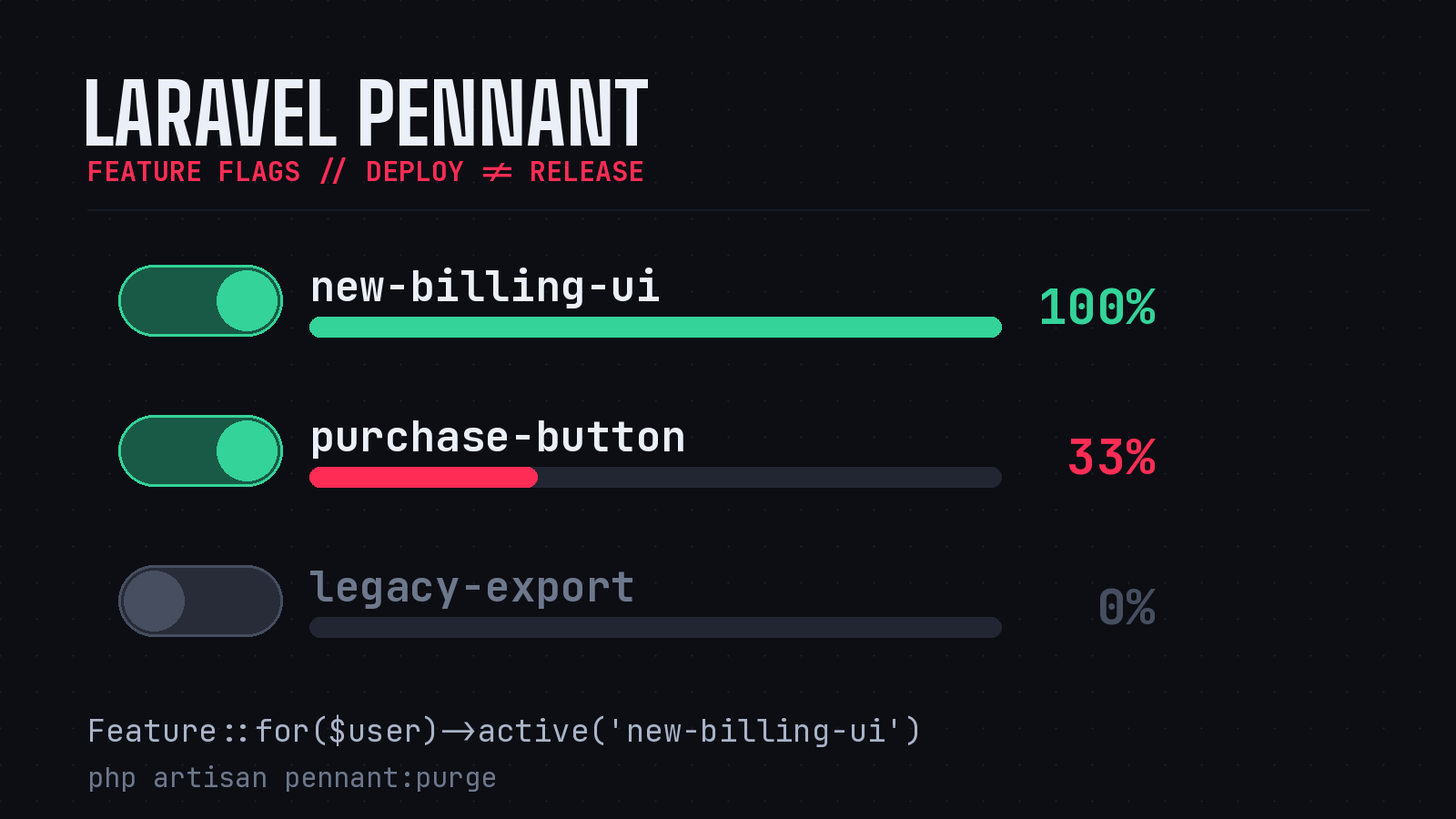
Shipping a half-finished feature behind a flag instead of a long-lived branch is one of those habits that quietly makes a team faster. The code lives on main, it deploys with everything else, and you decide who actually sees it at runtime. Laravel has a first-party answer for this in Pennant, a lightweight feature flag library maintained by the core team. It is small enough to learn in an afternoon and flexible enough to run a staged rollout in production. Here is how I use it.
Getting Started
Pennant installs like any other first-party package. Pull it in, publish its config, and run the migration that backs the database driver.
composer require laravel/pennant
php artisan vendor:publish --provider="Laravel\Pennant\PennantServiceProvider"
php artisan migrate
The published config/pennant.php lets you choose a store. Out of the box you get a database driver, which persists resolved values, and an array driver, which keeps everything in memory for the duration of a request. The array driver is what you will reach for in tests. The database driver is the sensible default for production because it remembers a decision once it has been made for a given scope.
Defining a Feature
The core idea is a named feature whose value is resolved by a closure. You typically register these in a service provider’s boot method.
use Illuminate\Support\Lottery;
use Laravel\Pennant\Feature;

public function boot(): void
{
    Feature::define('new-billing-ui', function (User $user) {
        return match (true) {
            $user->isInternal() => true,
            $user->isSubscribed() => Lottery::odds(1, 10),
            default => false,
        };
    });
}
The closure receives the feature’s scope. Most of the time that scope is the currently authenticated user, and Pennant passes it in automatically. The return value here shows two things worth noticing. Internal staff always get the new UI, which is handy for dogfooding. Paying subscribers are entered into a Lottery with one-in-ten odds, so roughly ten percent of them are opted in. Crucially, Pennant caches the resolved result, so a user does not flip in and out of the feature on every request. Once the lottery decides, that decision sticks for that user.
Checking a Feature
Checking is the part you will write most often. The active method returns a boolean for the current scope.
if (Feature::active('new-billing-ui')) {
    // render the new screen
}
In Blade, the @feature directive reads cleanly and keeps the template free of if noise.
@feature('new-billing-ui')
    <x-billing.new-dashboard />
@else
    <x-billing.legacy-dashboard />
@endfeature
If you need to evaluate the flag against something other than the logged-in user, the for method sets an explicit scope. This is how you flag features at the team or account level rather than per individual.
if (Feature::for($user->team)->active('new-billing-ui')) {
    // the whole team is in
}
One sharp edge worth knowing: if the scope you pass is null and your definition closure does not accept null through a nullable or union type, Pennant short-circuits and returns false without ever calling your closure. That behavior is deliberate, but it has bitten people who flag features for guests. If unauthenticated users should be able to resolve a feature, type the closure parameter as ?User and handle the null case yourself.
Rich Values, Not Just Booleans
Feature flags do not have to be on or off. A definition can return a string, and value retrieves it. This turns Pennant into a lightweight A/B testing tool.
Feature::define('purchase-button', fn () => Lottery::odds(1, 3)
    ? 'blue-sapphire'
    : 'seafoam-green');

$color = Feature::value('purchase-button');
The Blade directive understands rich values too, so you can branch on the specific variant a user landed in rather than a simple true or false. When you are checking several flags at once, values returns them as an array in a single call, which avoids repeated lookups.
Gradual Rollout and Manual Overrides
The lottery handles percentage rollouts, but you will often want to force a decision. Maybe a customer reported a bug and you want them off the new path immediately, or a beta tester needs early access. Pennant exposes activate and deactivate for exactly this.
// opt a single user in
Feature::for($user)->activate('new-billing-ui');

// pull them back out
Feature::for($user)->deactivate('new-billing-ui');

// flip it for everyone, ignoring the resolver
Feature::activateForEveryone('new-billing-ui');
These overrides write to the store, so they persist across requests and survive deploys. That is the difference between a flag and a config value. The decision is durable.
Testing With Flags
Tests are where the array driver earns its keep. Because Pennant resolves through the same API your app uses, you can force a feature into a known state and assert behavior on both sides of it without touching a database.
use Laravel\Pennant\Feature;

public function test_legacy_users_see_old_dashboard(): void
{
    Feature::define('new-billing-ui', false);

    $this->actingAs(User::factory()->create())
        ->get('/billing')
        ->assertSee('Legacy Dashboard');
}
Defining the feature with a literal value at the top of a test is the cleanest pattern I have found. It removes the lottery’s randomness from the equation entirely, so the test is deterministic. For PHP Architect’s internal billing app, this is how we keep flag-gated code paths under test rather than letting them rot.
Cleaning Up After Yourself
The unglamorous truth about feature flags is that the hard part is deleting them. A flag that has been at one hundred percent for six months is just dead weight and a fork in your code that nobody needs anymore. Pennant gives you a couple of tools to manage the lifecycle.
Stored values can pile up, especially when you flag against users who later churn. The pennant:purge command clears them out, and you can target a single feature by name.
php artisan pennant:purge new-billing-uiScaffolding a dedicated class-based feature with php artisan pennant:feature also helps here, because it keeps each flag in its own file where it is easy to find and delete later. The real discipline, though, is process rather than tooling: when a feature reaches full rollout and you are confident in it, remove the flag from the code, delete the definition, and purge its stored values in the same pull request. Treat the flag as scaffolding, not architecture.
When Pennant Is the Right Tool
Pennant is not trying to be LaunchDarkly. It has no dashboard, no targeting rules engine, and no analytics. What it has is a clean PHP API, first-party support, and tight integration with the rest of the framework. For most Laravel applications that want to decouple deploy from release, run a percentage rollout, or A/B test a UI variant, that is exactly the right amount of tool. Reach for a hosted platform when you genuinely need non-developers managing flags through a UI in real time. Until then, Pennant keeps the whole thing in your codebase where you can read it, test it, and delete it.
The package has stayed stable and well documented across recent Laravel releases, so anything you learn now carries forward. Install it on your next feature and stop maintaining long-lived branches.