Pest 4 Browser Testing: One Suite for Unit, Feature, and the Browser
A practical guide to Pest 4 browser testing in Laravel: setup, the sign-in flow, smoke assertions, subdomain testing with withHost, and visual regression.
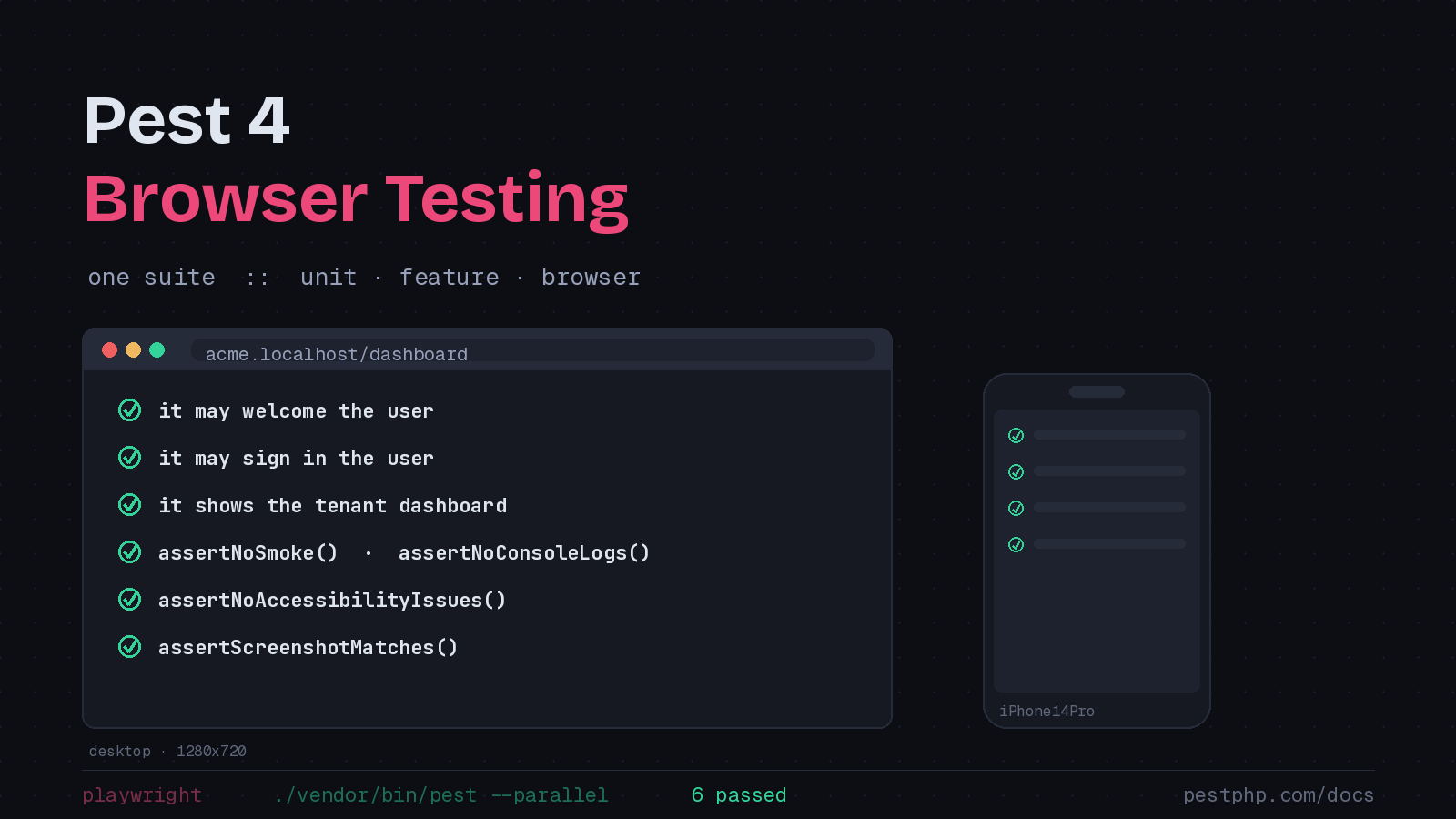
For years, browser testing in the Laravel world meant running a second, separate test suite. You had your fast unit and feature tests in one place, and then a Dusk suite (or a JavaScript-based Cypress setup) living off to the side with its own runner, its own conventions, and its own reasons to break. Pest 4 collapses that split. Browser tests live next to the rest of your tests, run through the same ./vendor/bin/pest command, and let you lean on the Laravel testing API you already know. After spending real time with it, I think it is the most compelling reason to move a project onto Pest 4.
Pest 4 shipped in August 2025, with browser testing as its headline feature. The plugin drives a real browser through Playwright, so you are testing the actual rendered page, JavaScript and all, rather than a server-side approximation of it.
Getting Started
Browser testing lives in a separate plugin, plus Playwright on the Node side. Pull both in:
composer require pestphp/pest-plugin-browser --dev
npm install playwright@latest
npx playwright install
The last command downloads the browser binaries Playwright drives. One housekeeping step the docs call out: add tests/Browser/Screenshots to your .gitignore so you are not committing screenshots generated during test runs.
Your First Browser Test
The entry point is the visit() helper. It returns a page object you chain assertions and interactions onto.
it('may welcome the user', function () {
    $page = visit('/');

    $page->assertSee('Welcome');
});
That reads like every other Pest test, which is the whole point. There is no context switch and no second mental model for “the browser tests.”
Leaning on the Laravel Testing API
Here is where it gets interesting. Because the test runs inside your application, you still have factories, fakes, and authentication assertions. This sign-in test exercises the real login form in a real browser while using Laravel’s testing helpers around it:
it('may sign in the user', function () {
    Event::fake();

    User::factory()->create([
        'email' => '[email protected]',
        'password' => 'password',
    ]);

    $page = visit('/')->on()->mobile()->firefox();

    $page->click('Sign In')
        ->assertUrlIs('/login')
        ->assertSee('Sign In to Your Account')
        ->fill('email', '[email protected]')
        ->fill('password', 'password')
        ->click('Submit')
        ->assertSee('Dashboard');

    $this->assertAuthenticated();

    Event::assertDispatched(UserLoggedIn::class);
});
Notice what is happening. The RefreshDatabase trait seeds a user, Event::fake() lets you assert a domain event fired, and assertAuthenticated() confirms the session state, all while Playwright actually clicks the button and submits the form. That blend of end-to-end coverage and framework-aware assertions is hard to get any other way.
Devices, Browsers, and Dark Mode
The chained methods in that last example are not decoration. visit('/')->on()->mobile()->firefox() runs the test against Firefox at a mobile viewport. You can target specific devices instead of a generic viewport:
$page = visit('/')->on()->iPhone14Pro();Chrome is the default, but you can pass --browser firefox or --browser safari at the command line, or set a default in Pest.php with pest()->browser()->inFirefox(). Dark mode is a one-liner too, which is handy if you ship a theme toggle:
$page = visit('/')->inDarkMode();Smoke Testing for Free
One feature I did not expect to use as much as I do: you can assert that a page is simply healthy. Visit several pages at once and check them all for console noise, JavaScript errors, and accessibility problems.
$pages = visit(['/', '/about', '/pricing']);

$pages->assertNoSmoke()
    ->assertNoAccessibilityIssues()
    ->assertNoConsoleLogs()
    ->assertNoJavaScriptErrors();
assertNoSmoke() is the catch-all, asserting there are no console logs or JavaScript errors. assertNoAccessibilityIssues() defaults to flagging “serious” problems, and you can dial the level up to critical-only or down to minor. For a content-heavy site like the PHP Architect blog, dropping a handful of these across the key routes catches broken builds before a human ever loads the page.
Testing Subdomains With withHost
This is the recent addition that pushed the plugin over the line for multi-tenant apps. Until early 2026, the test server was hardcoded to 127.0.0.1, which made it impossible to test Laravel’s domain routing. In January 2026 the plugin gained a withHost() method to fix exactly that. If you have routes like this:
Route::domain('{tenant}.localhost')->group(function () {
    Route::get('/dashboard', function (string $tenant) {
        return view('dashboard', ['tenant' => $tenant]);
    });
});
You can now point a browser test at the right hostname:
it('shows the tenant dashboard', function () {
    $page = visit('/dashboard')->withHost('acme.localhost');

    $page->assertSee('Welcome to Acme');
});
You can also set it globally in Pest.php with pest()->browser()->withHost('acme.localhost'). Beyond multi-tenant isolation, it is useful for pointing tests at a Laravel Sail hostname such as laravel.test. Update the plugin with composer update pestphp/pest-plugin-browser to pick it up.
Visual Regression
Pest 4 can also catch unintended visual changes. The assertScreenshotMatches() assertion compares the current render against a stored baseline:
it('matches the marketing page baseline', function () {
    $page = visit('/');

    $page->assertScreenshotMatches();
});
The first run records the baseline; later runs fail if the pixels drift. Pass assertScreenshotMatches(true, true) to compare the full page and surface a visual diff. It is not a replacement for assertions about behavior, but it is a cheap guard against a stray CSS change wrecking a layout.
Running Them Fast
Browser tests are slower than unit tests by nature, so run them in parallel:
./vendor/bin/pest --parallelWhen something breaks, ./vendor/bin/pest --debug opens a headed browser and pauses on failure so you can inspect the page. In CI on GitHub Actions, the one extra step is installing the Playwright browsers with npx playwright install --with-deps before the suite runs.
Worth the Move
What sells me on Pest 4 browser testing is not any single assertion. It is that the browser is no longer a separate world. One command, one set of conventions, full access to factories and fakes, and now subdomain support for the multi-tenant apps that needed it most. If you have been putting off browser coverage because the tooling felt like a separate project, this is the version that removes the excuse.