PhpStorm 2026.1: The IDE Becomes an Open Platform for AI Agents
PhpStorm 2026.1 expands its MCP server, adds a Claude Code plugin, ships Git worktrees for parallel agents, and a PHP 8.5 pipe operator quick-fix.
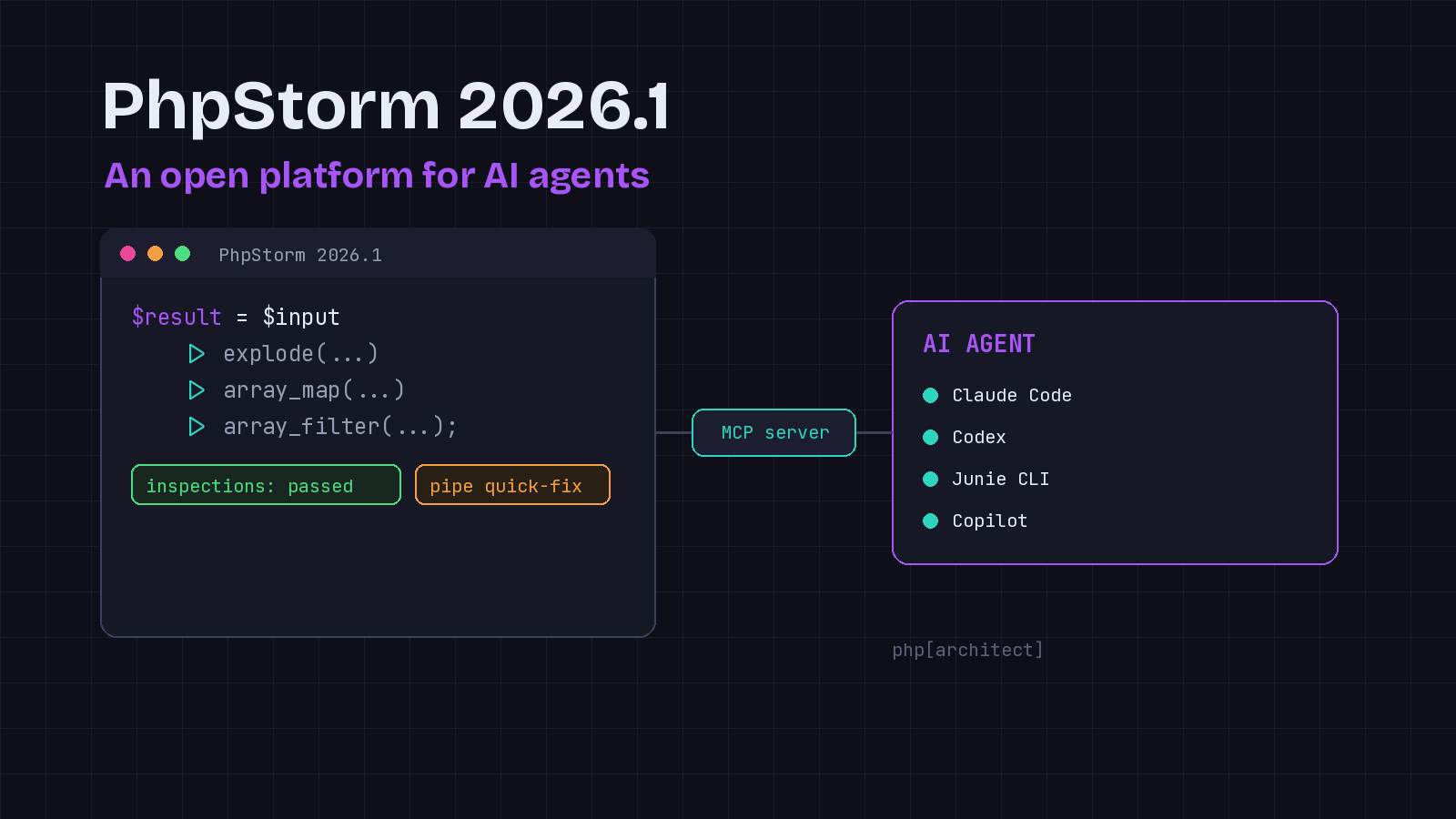
For most of its life, PhpStorm has been a place you go to write code by hand. PhpStorm 2026.1, released in March, leans hard into a different idea: the IDE as an open platform that hosts whatever AI agent you already use, and lends that agent its own deep understanding of your project. If you run Claude Code, Codex, or Junie next to a PHP project, this release is the one that makes the IDE and the agent actually talk to each other.
I have been skeptical of IDE AI features that lock you into one vendor’s assistant. What makes 2026.1 interesting is that JetBrains went the other direction. Instead of pushing you toward its own model, it turned PhpStorm into a tool provider that any compliant agent can call.
The MCP server grows real teeth
PhpStorm 2025.2 introduced an integrated MCP server so external agents like Claude Code, Windsurf, or Codex could reach into the IDE. In 2026.1 that server gets a much larger toolset, and the additions are the ones that matter for real work.
Agents can now run PhpStorm’s inspections and quick-fixes, which means an agent can lean on the same static analysis engine you rely on rather than guessing at code quality from raw text. They can use IDE search, including structural search and semantic search for code patterns, so an agent can find “every place we build a query like this” instead of grepping for a string. And they get access to IDE actions, so you can hand off setup and configuration chores to the agent directly.
The server is disabled by default. You turn it on under Settings, Tools, MCP Server, and configure your agent from there. That default-off posture is the right call for a tool that exposes this much of your environment.
A first-party Claude Code plugin
The piece I found most useful is the PhpStorm plugin for Claude Code. It gives Claude Code the context and instructions it needs to use PhpStorm’s MCP tools correctly, packaged as skills and hooks you add to your project under Settings, Tools, PHP Claude Skills.
The distinction is worth spelling out. The MCP server exposes the tools; the plugin teaches the agent when and how to use them. Without that guidance, an agent knows a “run inspections” tool exists but not that it should run it after editing a class, or how to interpret the results. With the plugin, the workflow is far less babysitting. This is the kind of integration I have wanted since agents started editing PHP files: the agent writes a change, runs the IDE’s inspections on it, and fixes what the inspection flags, all without me copy-pasting output between two windows.
If you maintain a PHP codebase at a shop like php[architect] and you have standardized on Claude Code, this plugin is the fastest way to get the agent producing code that survives your existing quality gates.
Bring your own agent
Beyond Claude, PhpStorm now works with more agents directly in the AI chat, including GitHub Copilot and Cursor, through the Agent Client Protocol. That sits alongside JetBrains’ own Junie, plus Claude Agent and Codex.
JetBrains also shipped Junie CLI in beta, an LLM-agnostic agent you can run from the terminal, inside any IDE, or in CI. It uses Bring Your Own Key pricing so you pay your model provider directly, and it offers one-click migration from Claude Code or Codex. You do not have to adopt Junie to benefit from 2026.1, but the option to point it at your own keys is a fair deal if you want a terminal agent without another subscription.
Git worktrees for parallel agent work
Here is a practical feature that pays off whether or not you use AI: first-class Git worktree support. A worktree lets you check out multiple branches into separate directories from one repository, so you can work on several at once without stashing or switching.
JetBrains frames this squarely around agents. Spin up a worktree for an urgent hotfix, hand another worktree to an agent to grind through a refactor, and keep coding in your main branch, all in parallel and without stepping on each other. Even without agents, worktrees kill the friction of branch switching in a large project. The classic pain of “I need to fix production but I have half a feature uncommitted” simply goes away when the feature lives in its own worktree.
Smaller wins for everyday PHP
A few other changes are worth a mention for anyone on modern PHP.
There is now a Convert to pipe operator quick-fix. PhpStorm detects code that can use PHP 8.5’s pipe operator and offers to rewrite nested calls into a readable chain:
// Before
$result = array_filter(array_map('trim', explode(',', $input)));

// After the quick-fix
$result = $input
    |> fn($v) => explode(',', $v)
    |> fn($v) => array_map('trim', $v)
    |> array_filter(...);
Type inference for generics improved too, including better handling of callable(T) annotations where the IDE now infers both the input parameter type and the callable’s template return type. Nested parameterized types like Wrapper<Wrapper<stdClass>> display correctly in parameter info and quick documentation.
Debugging picked up a nice capability: you can set breakpoints in non-PHP files once the file name pattern is associated with the PHP file type. Paired with the native path mapping introduced in Xdebug 3.5, you can step through template source files of nearly any format.
There is also automatic project indexing optimization, which detects framework directories full of generated, cached, or user-uploaded content and excludes them from indexing to cut CPU usage. And Go to Test navigation now understands #[UsesClass] and #[UsesMethod] attributes for PHPUnit and can jump into tests nested in Pest describe blocks.
Worth the upgrade
If you are already paying for PhpStorm, 2026.1 is an easy update. The generics, debugging, and Pest navigation improvements are the usual steady polish. The real story is the shift in posture: PhpStorm is no longer trying to be your AI assistant so much as the environment your assistant plugs into. For a working PHP developer who has settled on Claude Code or another agent, that is a much more useful place for the IDE to sit.
One note of balance: MCP integrations are young, and exposing inspections, search, and IDE actions to an autonomous agent is powerful enough to warrant care about what you let it do. Keep the server off until you need it, review what the agent changes, and treat the quick-fixes as suggestions rather than gospel.