The Laravel AI SDK: Building AI Agents Without Leaving PHP
A practical tour of the Laravel AI SDK. Provider-agnostic agents, tools, structured output, and pgvector semantic search, all in idiomatic PHP.
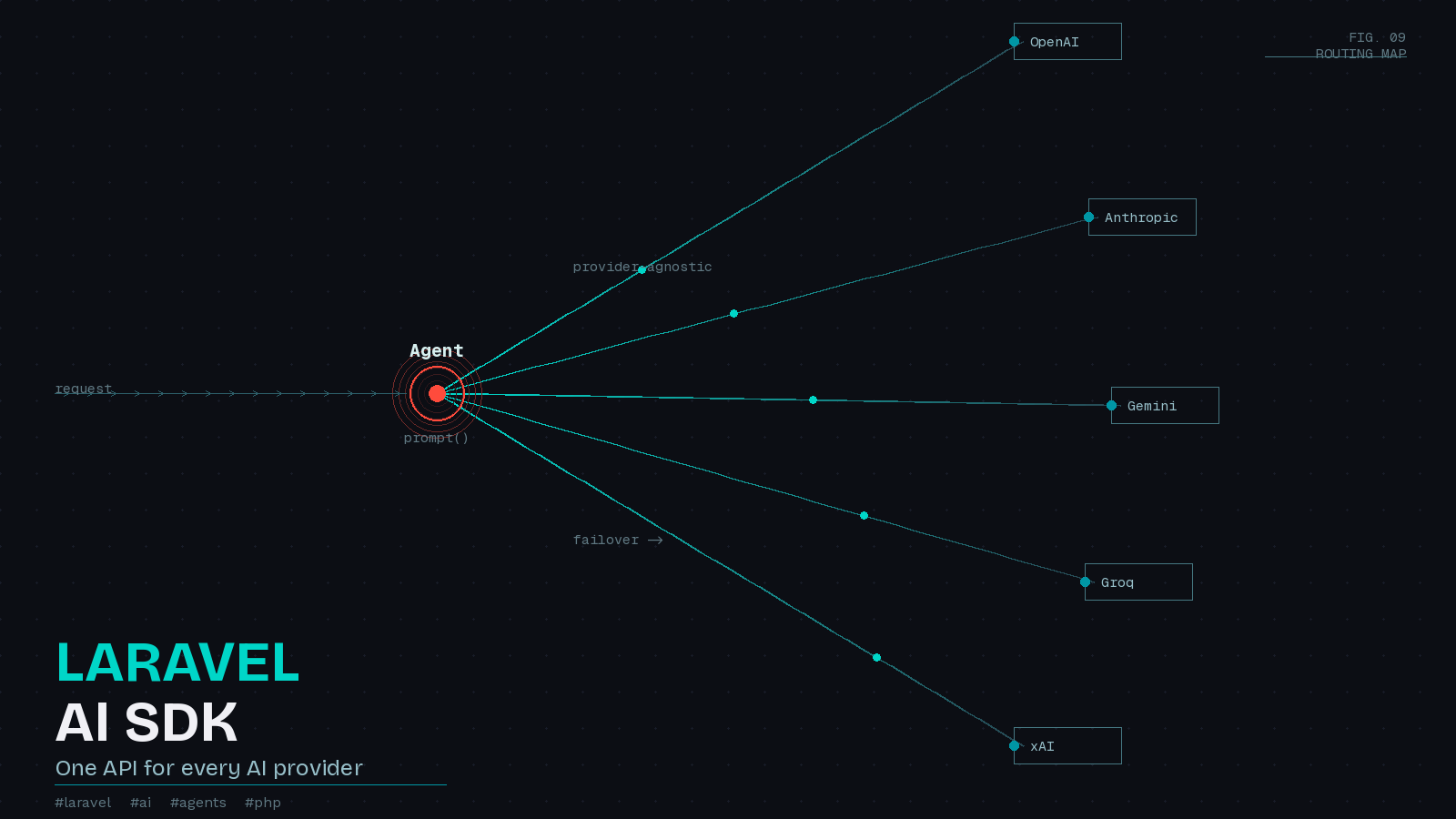
For a while, the honest answer to “how do I build AI features in my Laravel app” was some variation of “call an HTTP client, hope the JSON shape is what you expect, and glue provider-specific quirks together by hand.” Each provider had its own endpoints, its own auth, its own way of describing tools. Swapping OpenAI for Anthropic meant rewriting a chunk of your code. The Laravel AI SDK, announced in beta in February 2026 and now the recommended path on Laravel 13, replaces all of that with one clean, Laravel-native API.
I have spent the last few weeks building with it, and the thing that stands out is how little of it feels bolted on. Agents are classes. Tools are classes. Structured output uses the same JSON Schema builder the framework already ships. Embeddings hang off the Stringable class you already use. If you know Laravel, you already know most of this.
Installation and configuration
The SDK installs like any other first-party package.
composer require laravel/ai

php artisan vendor:publish --provider="Laravel\Ai\AiServiceProvider"

php artisan migrate
The migration creates agent_conversations and agent_conversation_messages tables, which power the built-in conversation memory. Credentials live in config/ai.php or in your .env. The SDK reads a familiar set of keys, so you drop in whatever providers you actually use:
ANTHROPIC_API_KEY=
OPENAI_API_KEY=
GEMINI_API_KEY=
GROQ_API_KEY=
Text generation currently supports OpenAI, Anthropic, Gemini, Azure, Bedrock, Groq, xAI, DeepSeek, Mistral, Ollama, and OpenRouter. Images, audio, transcription, embeddings, and reranking each have their own supported provider list, all documented in the official docs. The point is that you configure a provider once and reference it by name everywhere else.
Agents are the core
Everything centers on the agent, a dedicated class that encapsulates instructions, conversation context, tools, and an optional output schema. You scaffold one with an Artisan command:
php artisan make:agent SalesCoachA trimmed-down agent looks like this:
<?php

namespace App\Ai\Agents;

use Illuminate\Contracts\JsonSchema\JsonSchema;
use Laravel\Ai\Contracts\Agent;
use Laravel\Ai\Contracts\HasStructuredOutput;
use Laravel\Ai\Promptable;
use Stringable;

class SalesCoach implements Agent, HasStructuredOutput
{
    use Promptable;

    public function instructions(): Stringable|string
    {
        return 'You are a sales coach. Analyze transcripts, give feedback, and score overall sales strength.';
    }

    public function schema(JsonSchema $schema): array
    {
        return [
            'feedback' => $schema->string()->required(),
            'score' => $schema->integer()->min(1)->max(10)->required(),
        ];
    }
}
Prompting it is a single call:
$response = (new SalesCoach)->prompt('Analyze this sales transcript...');Here is the part I like. Switching providers is an argument, not a rewrite:
$response = (new SalesCoach)->prompt(
    'Analyze this sales transcript...',
    provider: \Laravel\Ai\Enums\Lab::Anthropic,
    model: 'claude-haiku-4-5-20251001',
    timeout: 120,
);
Sensible defaults live in config/ai.php, so most of the time you prompt without naming a model at all. When you want to A/B a cheaper model against a stronger one, you flip a single argument.
Structured output without prompt gymnastics
Anyone who has coaxed an LLM into returning clean JSON knows the pain of parsing free-form text and praying it validates. Because SalesCoach implements HasStructuredOutput and defines a schema, the response comes back as something you can treat like an array:
$response = (new SalesCoach)->prompt('Analyze this sales transcript...');

$response['feedback']; // string
$response['score'];    // integer between 1 and 10
The schema uses Illuminate\Contracts\JsonSchema\JsonSchema, the same contract Laravel 13 uses elsewhere, so constraints like min, max, and required are expressed in PHP rather than a hand-written JSON blob. This is genuinely useful for lead qualification, data extraction, and any pipeline where the next step needs a predictable shape.
Tools the model can reach for
Tools give an agent capabilities beyond text. You scaffold one, define a schema for its inputs, and implement handle:
<?php

namespace App\Ai\Tools;

use Illuminate\Contracts\JsonSchema\JsonSchema;
use Laravel\Ai\Contracts\Tool;
use Laravel\Ai\Tools\Request;
use Stringable;

class RandomNumberGenerator implements Tool
{
    public function description(): Stringable|string
    {
        return 'Generates a cryptographically secure random number.';
    }

    public function handle(Request $request): Stringable|string
    {
        return (string) random_int($request['min'], $request['max']);
    }

    public function schema(JsonSchema $schema): array
    {
        return [
            'min' => $schema->integer()->min(0)->required(),
            'max' => $schema->integer()->required(),
        ];
    }
}
Return it from an agent’s tools method and the model calls it when it decides the input warrants it. The SDK also supports MCP tools, so if you run a Model Context Protocol server, you can hand those tools to an agent directly, along with provider-executed tools like WebSearch and WebFetch for real-time information.
Embeddings and semantic search on PostgreSQL
This is where the SDK stops being “a nice API wrapper” and starts being a real platform feature. Generating an embedding is a method on Stringable:
use Illuminate\Support\Str;

$embeddings = Str::of('Napa Valley has great wine.')->toEmbeddings();
Laravel 13 added native vector column support for PostgreSQL via the pgvector extension, so you can store and query embeddings without a separate vector database:
Schema::ensureVectorExtensionExists();

Schema::create('documents', function (Blueprint $table) {
    $table->id();
    $table->string('title');
    $table->text('content');
    $table->vector('embedding', dimensions: 1536)->index();
    $table->timestamps();
});
Calling index() on a vector column creates an HNSW index using cosine distance automatically. Querying for similar rows is expressive and reads like ordinary Eloquent:
use App\Models\Document;

$documents = Document::query()
    ->whereVectorSimilarTo('embedding', 'best wineries in Napa Valley', minSimilarity: 0.4)
    ->limit(10)
    ->get();
Notice the query string is passed as plain text. When you hand whereVectorSimilarTo a string instead of a float array, Laravel generates the embedding for you. For agents, the built-in SimilaritySearch tool wires this up so a bot can answer questions against your own data, which is retrieval-augmented generation without leaving the framework. Embeddings can also be cached to avoid redundant API calls, either globally in config/ai.php or per request with ->cache().
Where this fits, and where to be careful
If you have been putting off AI features because the plumbing felt like a second job, the AI SDK removes most of that friction. Provider agnosticism is the headline, but the deeper win is that this all lives in testable classes with Agent::fake() support, stores generated files through your normal filesystem disks, and queues long-running work through Laravel’s queue system. It fits the mental model you already have.
A few cautions. The SDK was still labeled beta at its February launch, so pin your versions and read the changelog before upgrading. Vector queries are PostgreSQL and pgvector only right now, so MySQL shops will need a different store for embeddings or a Postgres side-service. And as always with agents and tools, an autonomous model calling handle methods in your app deserves the same scrutiny you would give any code path that acts on user input. Validate tool inputs, scope what tools can touch, and log what the agent does.
None of that changes the bottom line: building AI features in PHP no longer means fighting the language or the framework. For a working Laravel developer, that is the most welcome kind of new capability.