Laravel Herd's MCP Server: Manage Your PHP Dev Environment with AI
Laravel Herd now ships with a built-in MCP server that connects AI clients like Claude to your local PHP environment with 218 tools.
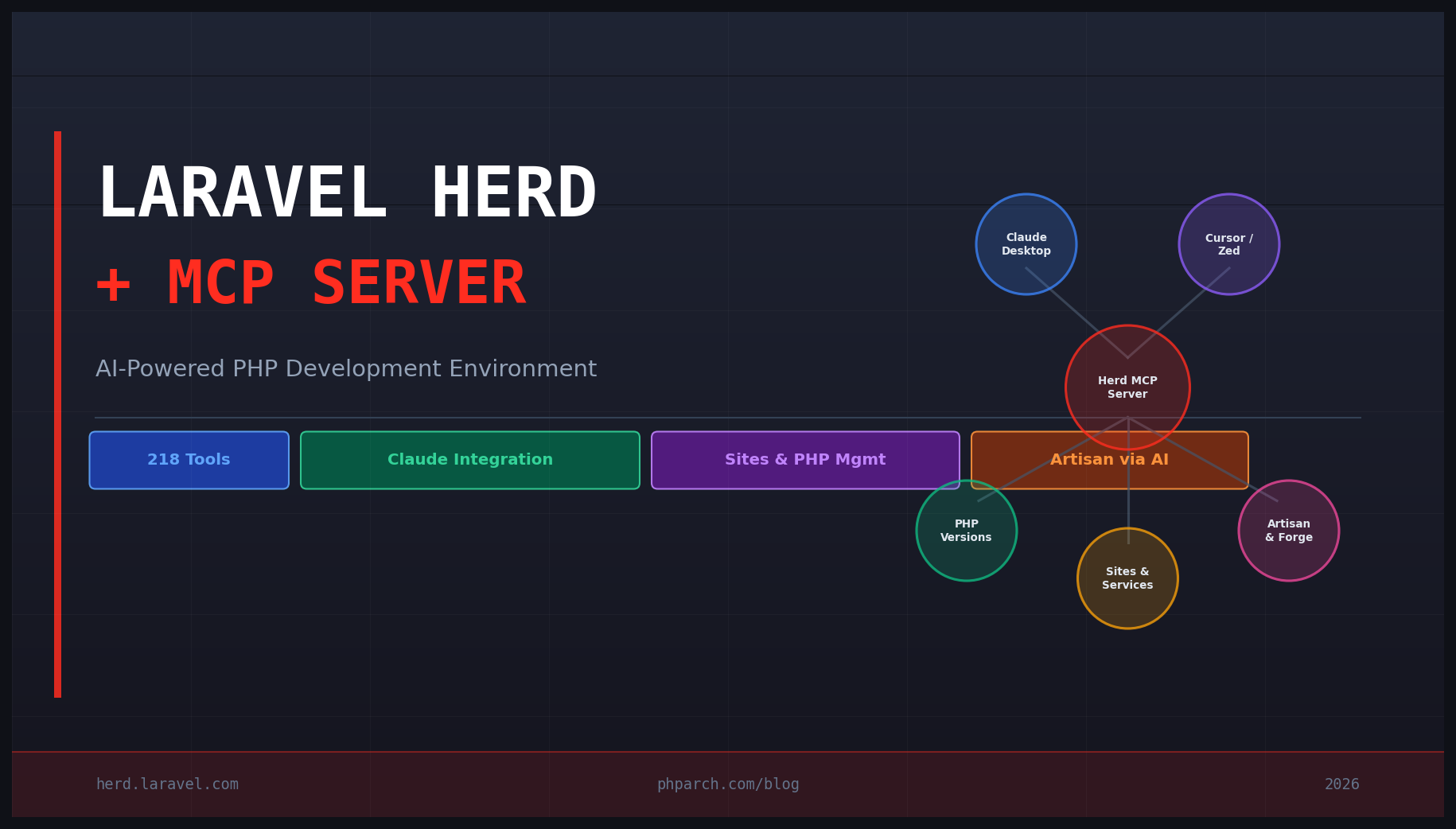
If you have been using Laravel Herd as your local PHP development environment, you already know how much it simplifies the day-to-day overhead of managing PHP versions, virtual hosts, and local services. But a recent addition changes what Herd is, not just what it does: a built-in MCP server that connects AI clients like Claude Desktop, Cursor, and Zed directly to your running Herd installation.
This is not a thin wrapper around a few CLI commands. The Herd MCP server exposes over 200 discrete tools, giving your AI client the ability to create and manage sites, switch PHP versions, run Artisan commands, handle SSL certificates, control local services, and interact with tools like Telescope, Pulse, Nightwatch, and Debugbar, all through natural language.
What MCP Actually Means Here
MCP (Model Context Protocol) is a standard that lets AI clients talk to external tools and data sources through a defined interface. When an MCP server is running, an AI client can discover what tools are available and call them during a conversation. The AI does not just give you advice about what command to run. It runs the command itself and shows you the result.
Herd’s implementation of this means your AI assistant has direct access to your local development environment. You can ask Claude to create a new site for a project, install a specific PHP version, enable Xdebug on that site, queue a fresh Laravel install via Composer, and tail the logs, all without touching a terminal. The AI handles the orchestration; Herd handles the execution.
Getting the MCP Server Running
If you have Herd installed and updated, the MCP server is already bundled. You configure it through your AI client’s MCP settings. For Claude Desktop, you add an entry to your claude_desktop_config.json:
{
  "mcpServers": {
    "herd": {
      "command": "/Applications/Herd.app/Contents/MacOS/herd-mcp"
    }
  }
}
On Windows, the binary path will differ but the pattern is the same. After restarting Claude Desktop, Herd shows up as an available MCP server and its tools become available in your conversation context.
From that point, you interact with it conversationally. Asking “create a new Laravel site called api.test using PHP 8.4” will trigger the relevant Herd tools in sequence. If something fails, the AI sees the error output and can reason about what went wrong.
What the 218 Tools Cover
The scope of the toolset is broad enough that it covers the full lifecycle of managing a local Laravel project. Grouped roughly by category:
Sites: Create, list, update, and delete Valet-style local sites. Configure per-site PHP versions, set up SSL, manage aliases, and inspect site configuration.
PHP: Install, switch, and update PHP versions. Manage per-site php.ini overrides. The new herd php:list and herd php:install commands are also available directly via CLI if you want to script these separately.
Services (Herd Pro): Start and stop MySQL, Redis, Meilisearch, MinIO, and Reverb. The MCP tools expose service status, configuration, and logs.
Artisan: Run any Artisan command on any of your local sites. This is particularly useful because you can ask the AI to run a migration, seed the database, or run a queue worker and see the output inline in the conversation.
Debugging: Open Telescope, trigger Pulse snapshots, or surface Debugbar output through the conversation context.
Composer: Run Composer installs and updates, inspect composer.json contents, and resolve dependency conflicts with the AI reasoning about the output.
The combination means you can describe what you want at a fairly high level (“I need a fresh Laravel app with Livewire, MySQL, and Redis configured”) and the AI can translate that into the right sequence of Herd tool calls.
Practical Workflow Example
Here is what a practical onboarding flow for a new project might look like once the MCP server is connected:
You open Claude Desktop and describe the project: a Laravel 12 application, PHP 8.4, MySQL database, Redis for caching and queues, and a local domain of dashboard.test. Claude calls the Herd tools to create the site, set the PHP version, start MySQL and Redis via Herd Services, run composer create-project laravel/laravel, configure the .env file with the correct credentials, and confirm SSL is enabled on the domain.
What used to be 15 minutes of terminal work becomes a conversation that takes two minutes and produces the same result. The more interesting part is what happens when things go wrong: if Composer fails on a dependency conflict, the AI sees the exact error, reasons about it, and either suggests a fix or tries an alternative version constraint automatically.
Other Recent Herd Updates Worth Knowing
The MCP server is the headline feature, but Herd has been moving quickly across the board:
PHP 8.5 support landed as an alpha release, so you can start testing PHP 8.5 builds against your local projects today.
The Sites UI received a major overhaul. Sites management is now integrated into the main Settings panel rather than a separate window, with grouped site views, per-PHP-version php.ini configuration directly in the UI, context-menu actions, and alias support that makes managing multi-domain projects more straightforward.
Zed IDE now has first-class support alongside VS Code, PhpStorm, and other editors Herd already recognized.
The Dumps UI now surfaces Laravel Cache activity, which makes it easier to inspect what your application is reading from and writing to cache without adding debug statements to your code.
Why This Matters for PHP Developers
The significance here is not just convenience. It represents a shift in how AI fits into the development workflow. Right now, most AI-assisted development means you describe a problem, the AI suggests commands, and you go execute them. That is a copy-paste loop.
With an MCP server like Herd’s, the AI can close that loop. It sees the actual state of your environment, executes changes, observes the results, and adjusts. That is a meaningfully different mode of collaboration, and Herd is one of the first PHP-native tools to implement it at this level of depth.
If you are already a Herd user, updating to the latest version and configuring the MCP server with your AI client of choice is a low-effort way to get a concrete sense of what AI-assisted environment management actually feels like in practice. If you are not using Herd yet, this is probably the most compelling reason to take a look.