Building Rich Terminal UIs in PHP with the Symfony Tui Component
Symfony's new Tui component brings CSS-like styling, widget toolkits, and PHP Fibers to terminal UI development in pure PHP 8.4+.
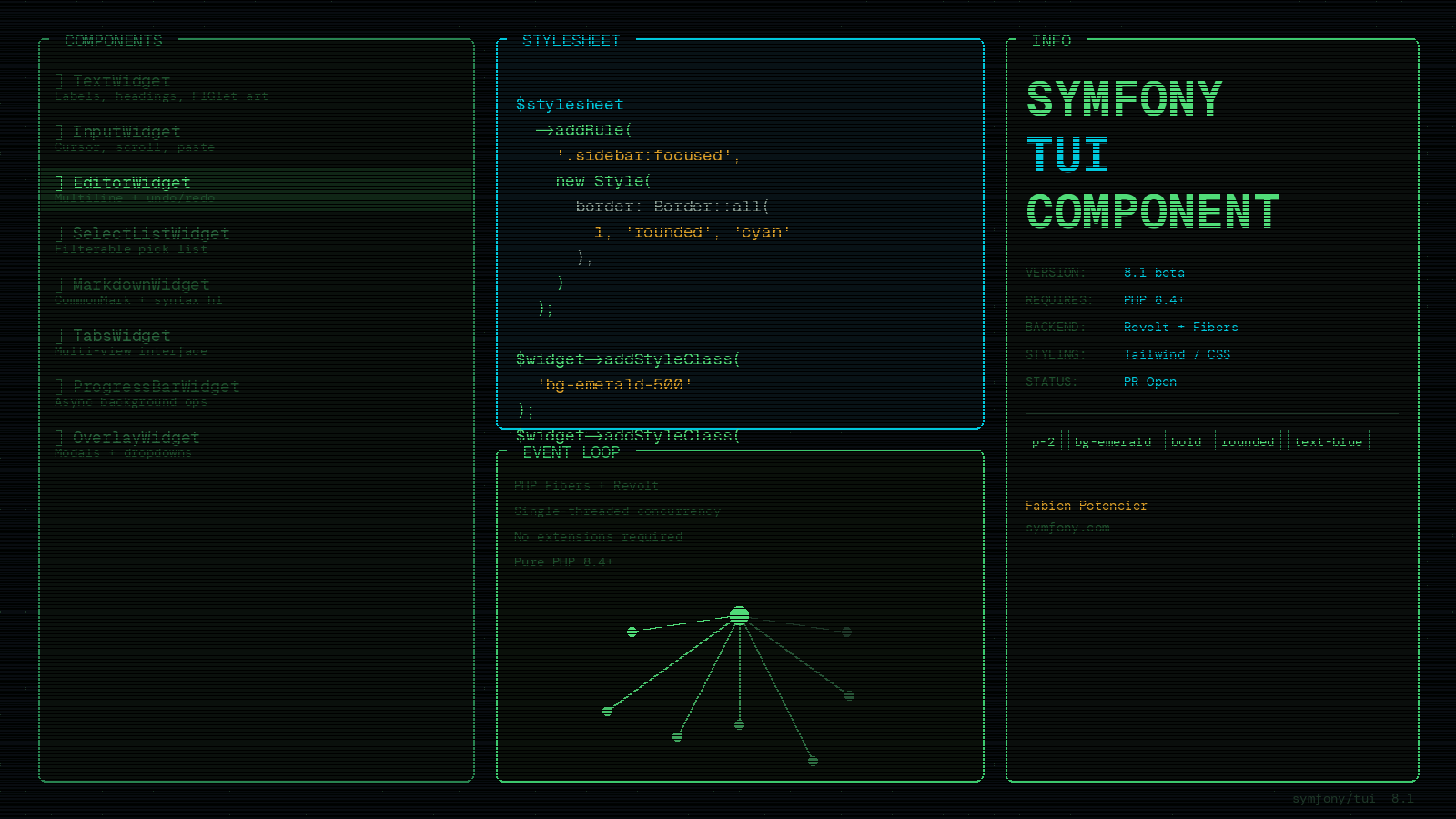
If you have spent any time building CLI tools in PHP, you know the Console component has been a workhorse for over a decade. Commands, arguments, output formatting, progress bars, question helpers — it covers a lot of ground. But it also covers two very different concerns at once: structuring CLI applications and building interactive terminal experiences. Symfony 8.1 is about to change that with a brand new component: Tui.
Announced by Fabien Potencier in March 2026 and targeting the Symfony 8.1 release (due at the end of May 2026), the Tui component is a full-featured PHP library for building rich, interactive terminal user interfaces. The Console component stays focused on commands and argument handling. Tui takes over everything else: widgets, layouts, styling, input, mouse support, and real-time rendering.
What Tui Actually Gives You
The component ships with a complete widget toolkit out of the box. You get TextWidget for labels, headings, and even FIGlet ASCII art banners. InputWidget handles single-line text fields with cursor, scrolling, and paste support. EditorWidget is a full multi-line editor with word wrap, undo/redo, a kill ring, and autocomplete. There is a SelectListWidget for scrollable, filterable pick lists, a SettingsListWidget for preference panels, TabsWidget for multi-view interfaces, and MarkdownWidget with full CommonMark support and syntax-highlighted code blocks.
On top of the individual widgets, ContainerWidget lets you compose them into trees with vertical or horizontal layout, gaps, and vertical expansion. Every widget supports padding, borders (nine built-in patterns including rounded, double, and block styles), backgrounds, text decoration, and alignment. This is not a thin wrapper around ncurses. It is a full UI toolkit that happens to render in the terminal.
CSS-Like Styling
One of the most interesting design choices in Tui is its styling system, which draws directly from CSS. Styles are immutable value objects with properties for colors (ANSI, 256-palette, and true color RGB with mix(), tint(), and shade() helpers), text formatting, padding, borders, layout direction, and alignment.
There are three ways to apply styles. Stylesheet rules use CSS-like selectors including universal selectors, class selectors, state selectors like :focused, and sub-element selectors:
$stylesheet->addRule('.sidebar:focused', new Style(
    border: Border::all(1, 'rounded', 'cyan'),
));

$stylesheet->addRule(MarkdownWidget::class . '::code-block-border', new Style(
    color: 'gray',
));
Tailwind-like utility classes give you quick, composable styling without defining explicit rules:
$widget->addStyleClass('p-2');
$widget->addStyleClass('bg-emerald-500');
$widget->addStyleClass('bold');
$widget->addStyleClass('border-rounded');
The full Tailwind shade palette is supported: text-blue-700, bg-rose-100, border-cyan-400, and every shade in between. Inline styles provide one-off overrides at the highest cascade priority. These three layers merge exactly like CSS — which means any PHP developer already familiar with front-end CSS will find the mental model immediately familiar.
Responsive breakpoints round out the system, letting you switch layouts based on terminal width, just like @media queries. Build a two-column layout for wide terminals and collapse it to a single column for narrow ones.
Powered by PHP Fibers
Under the hood, Tui runs on PHP Fibers and the Revolt event loop. No extensions required. Pure PHP 8.4+.
This matters because it makes Tui genuinely concurrent without threads. Animations keep running while you type. The loader spinner keeps spinning during an HTTP request. Input is never blocked by rendering. Multiple async operations run in parallel. The Amp ecosystem provides non-blocking replacements for HTTP, processes, and timers that integrate seamlessly since they share the same event loop.
The rendering pipeline is engineered to take full advantage of this. Dirty tracking means only subtrees that have changed are re-rendered. A render cache skips style resolution, layout, and content rendering for unchanged widgets entirely. Screen diffing writes only the cells that actually changed to the terminal, minimizing I/O. The result is smooth enough for real-time animations.
Integrating with Symfony Console
Tui is not a replacement for the Console component — it works alongside it. The integration is clean. You create a Tui instance inside a command’s execute() method, run it, and return the exit code:
use Symfony\Component\Console\Command\Command;
use Symfony\Component\Console\Input\InputInterface;
use Symfony\Component\Console\Output\OutputInterface;
use Symfony\Component\Tui\Tui;

class DashboardCommand extends Command
{
    protected function execute(InputInterface $input, OutputInterface $output): int
    {
        $tui = new Tui($this->buildLayout());
        $tui->run();

        return Command::SUCCESS;
    }
}
After run() returns, the terminal is restored and you can use the Console output object normally. The boundary between a standard command and a rich TUI experience is just a few lines of code.
For Twig users, Tui also includes a declarative template system. Widget trees can be described using pseudo-HTML and Twig, with structure in templates, styling in stylesheets, and behavior in PHP:
{% extends "layout.html.twig" %}

{% block content %}
    <text>Pick a language:</text>
    <select-list id="list" max-visible="5">
        <item value="php" label="PHP" description="Hypertext Preprocessor"></item>
        <item value="python" label="Python" description="Simple and powerful"></item>
        <item value="rust" label="Rust" description="Memory safety without GC"></item>
    </select-list>
{% endblock %}
Templates support Twig inheritance, blocks, loops, conditionals, and custom widget tags via namespace prefixes. The separation of concerns is the same pattern you already use for web views.
The HTTP-Less Connection
Tui fits neatly into a larger architectural shift in Symfony 8.1: the ability to build HTTP-less applications. Symfony 8.1 extracts the kernel and bundle infrastructure into the DependencyInjection component, so you can build a full Symfony application — with dependency injection, bundles, and configuration — without pulling in HttpKernel at all.
A minimal TUI application can register just ConsoleBundle:
// config/bundles.php
return [
    Symfony\Component\Console\ConsoleBundle::class => ['all' => true],
];
This means a TUI tool built on Symfony gets the full power of the DI container, configuration system, and bundle ecosystem without the weight of the HTTP stack. For command-line tools, background workers, and message consumers, this is a meaningful reduction in complexity.
A working demo is already publicly available: symfony-tui-games is a Symfony application with no FrameworkBundle and no HTTP, using ConsoleBundle and KernelTrait to power terminal-based games.
What to Watch For
Symfony 8.1 is due at the end of May 2026, and the Tui PR is already open on the main repository. Some widgets (mouse support, overlay, animated images) are in follow-up PRs that may land slightly after the initial release.
If you want to start experimenting now, the PR is readable and the demo repository gives you a concrete working example. For anyone building PHP tools that live in the terminal, whether that is a deployment dashboard, a database browser, a test runner UI, or an interactive code generator, Tui is the first serious, modern answer PHP has had to Go’s Bubble Tea or Rust’s Ratatui.